


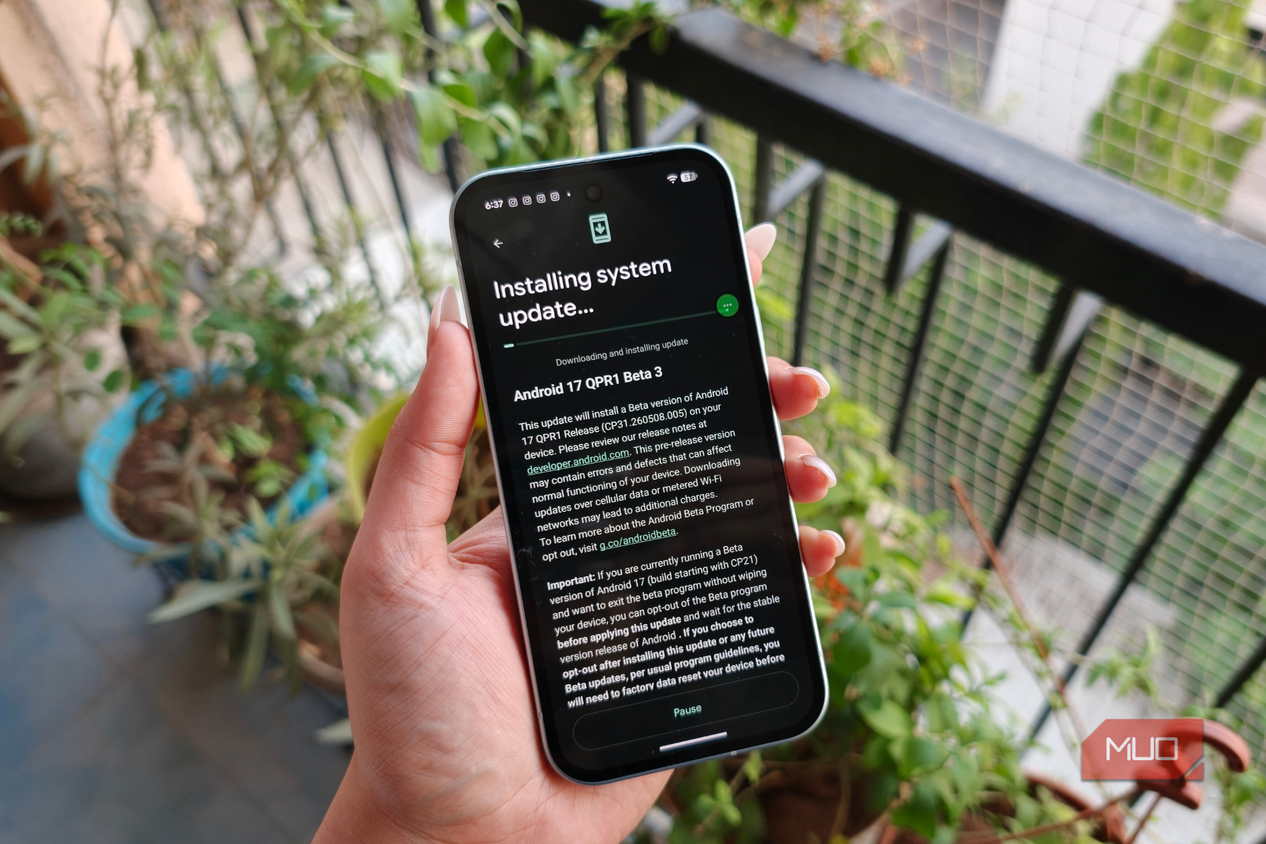
The stable release of Android 17 is ready for download on Google Pixel phones, and it'll soon make its way to more Android brands. There are a few exciting features, like App Bubbles, Screen Reactions, and a foldable gaming mode. However, the most important Android 17 upgrade is one you'd probably never notice. Google cut the maximum number of device passcode or password attempts on the lock screen from 1,800 guesses to just 20 tries — and it's a bigger deal than you may think.
Finding the right number of incorrect attempts for a PIN or password is tricky. Allow too many wrong guesses, and an Android phone becomes easy to crack. Set a limit that's too low, and Android users can be locked out of their own phones if they accidentally enter a handful of wrong passwords. Android 17 slashes the maximum number of unlock attempts while overhauling lock screen security, and it has me wondering whether it went too far.
The best Android 17 feature is the one you never notice
It keeps your device secure, and you don't even have to think about it


 Credit: Brady Snyder / MakeUseOf
 Credit: Brady Snyder / MakeUseOf
 Credit: Brady Snyder / MakeUseOf
 Credit: Brady Snyder / MakeUseOf
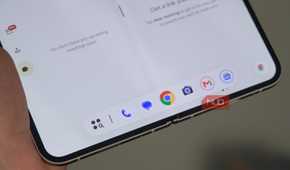

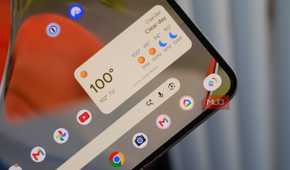

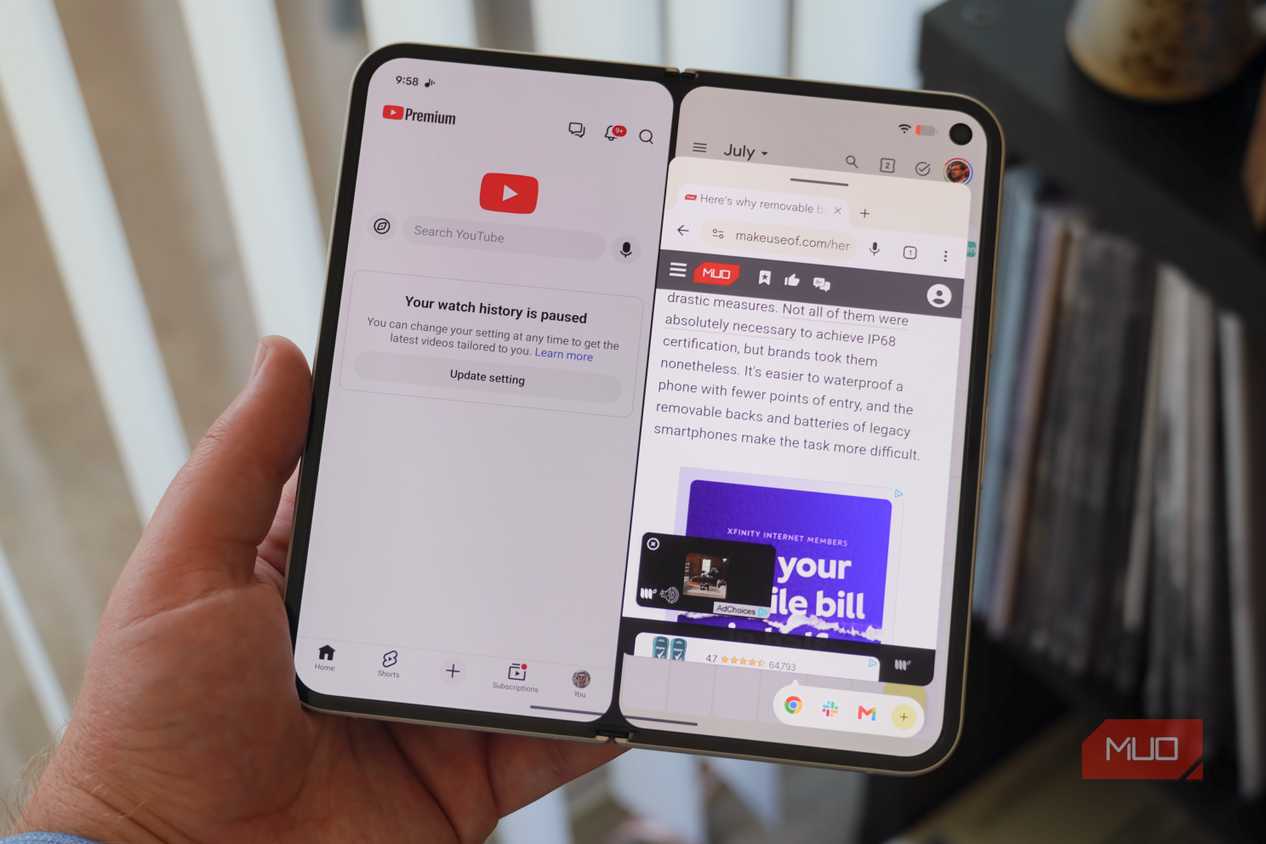
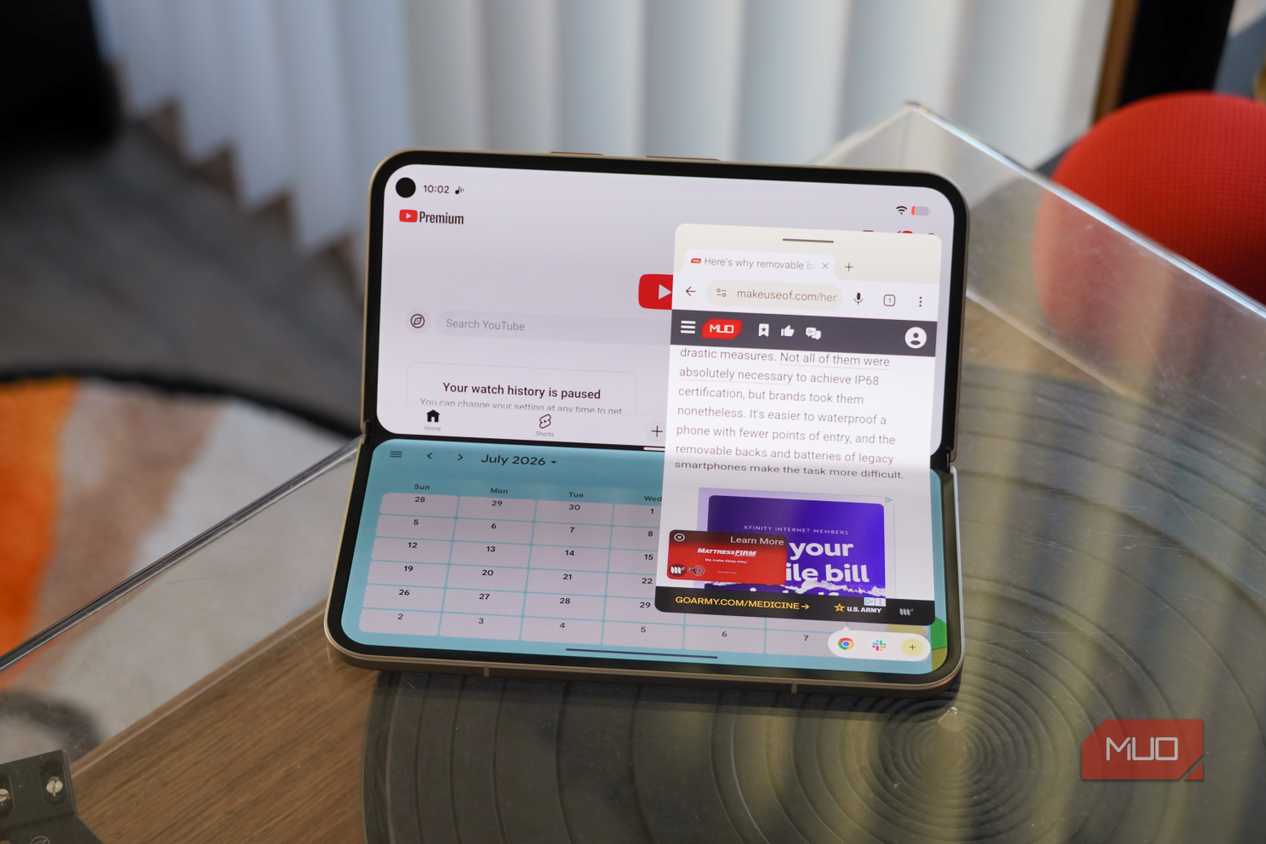
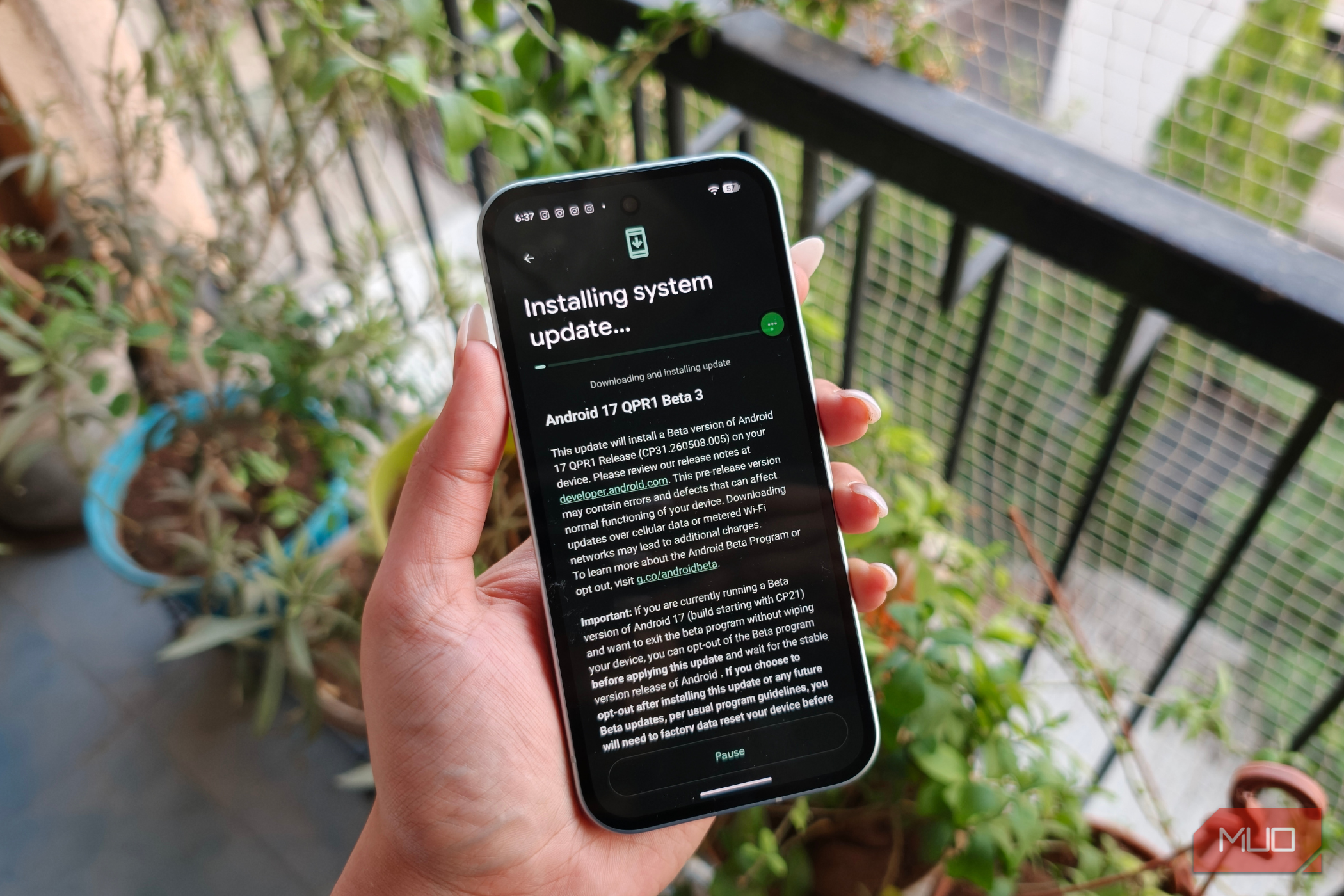
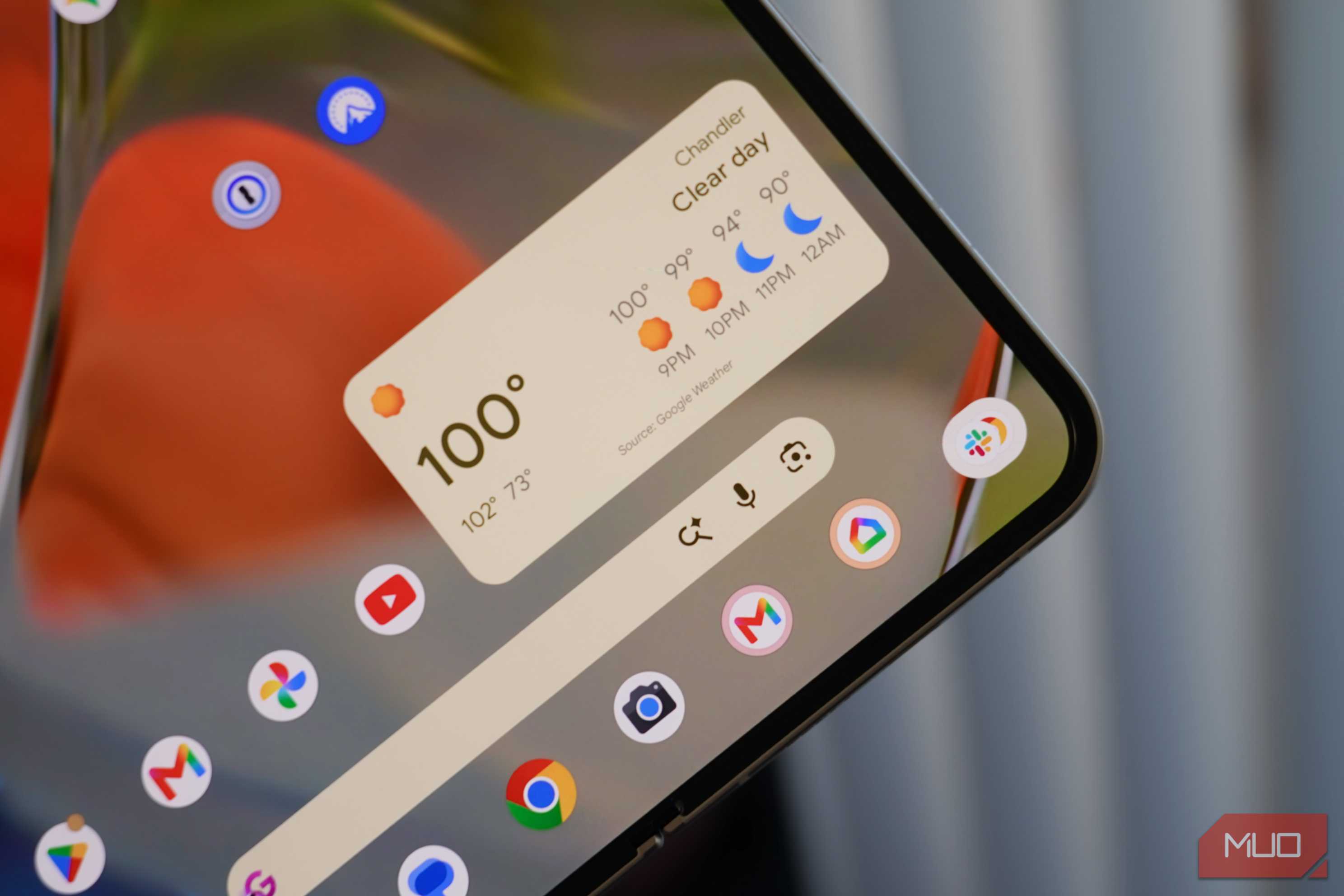
I've been testing the stable Android 17 release for a few weeks now, and it's a modest upgrade for Google Pixel phones. The addition of App Bubbles seriously improves the multitasking capabilities of Pixels, especially on foldable phones. Foldable gaming mode is coming soon, adding a virtual controller to half of a folding display. Screen Reactions let you create shareable screen recordings ready for Instagram or TikTok. Those are all great features, but Google saved the biggest change for security, as an Android Open Source Project doc for Android 17 explains.
The Android 17 lock screen security tweak has to do with something called rate-limiting. In software development, rate-limiting is the process of controlling how many requests are sent or received in a specified time period. For example, if you try to send a bunch of API requests to a site in a short time span, you'll eventually lose access in accordance with the site's rate-limiting policy. In this context, Android uses rate-limiting to "to slow down, and given enough attempts, block attackers performing brute-force attacks on LSKFs [Lockscreen Knowledge Factors]."
Chances are, you've experienced a situation where you or someone you know was locked out of their device because they couldn't enter the passcode or password correctly. This situation is an example of rate limits in action. Before Android 17, Android phones had forgiving rate limits. Android 16 allows 10 guesses in the first 60 seconds, 20 guesses in six minutes, and 50 guesses in 25 minutes. You could keep trying to enter an Android passcode or password for years. The system allows 110 guesses on the first day.
Over the course of five years, Android 16 users can try up to 1,800 guesses in five years. This isn't just helpful for forgetful users — it's also great for attackers. As Mishaal Rahman, who works on Android's community engagement team, explains in a post on X (formerly Twitter):
While this is pretty secure for PINs and passwords chosen randomly, most people don't randomly choose their PIN or password. Attackers can achieve a significant success rate cracking into devices by entering PINs or passwords in order of decreasing frequency, and if they know anything about you (like your birthday), that success rate only increases.
This means that Android devices running Android 16 or earlier might not have a system passcode or password that's as secure as you thought. I didn't expect Google to completely lock down the rate-limiting policy for Android 17's lockscreen knowledge factors — these are a PIN, password, or other security method — but that's exactly what happened.
Android 17 locks down your device passcode
It's significantly harder to guess or brute force an Android phone now

The headline change is simple: Android 17 only permits a maximum of 20 login attempts, whereas Android 16 used to allow up to 1,800. Now, it's worth noting that most people weren't waiting five years to use all these guesses, even on older versions of Android. It's hard to put into words how big of a change this is, so I'll use a number instead. Android 17 allows 1.1% of the maximum device passcode or password guesses Android 16 permits.
Google's new rate-limiting policy also applies to Android 16 QPR2. Android 17 is the first major SDK release to ship with these restrictions, however.
The new Android 17 rate limits allow up to six guesses in the first minute. You get up to eight tries in 25 minutes and 12 tries in 24 hours. To use 19 guesses, you'll need to wait five years. You'll get your 20th guess after nine more years. What happens after that? Google makes it clear: "No further guesses are allowed after 20 incorrect guesses."
There are a few quality-of-life changes coming to your Android 17 lock screen to make living with the new rate limits easier. For one, Android now supports a feature called duplicate guess detection. Essentially, multiple attempts to use the same password or PIN to unlock your device won't count more than once against your 20-attempt maximum. If you keep trying that one passcode just hoping it'll work, it won't penalize you after the first time. The screen will give you visual feedback that the guess is incorrect and has been tried before.
More importantly, Android 17 can now show your timeout duration in different time units. Timeouts are how long you have to wait until the rate limits are temporarily lifted, and you can guess a passcode or password again. In the past, Android showed timeout duration in seconds — no matter how long the time period was. This led to silly messages like, "Try again in 2,000 seconds." The operating system now shows the timeout duration in units that make sense, like seconds, minutes, hours, days, or years.
Here's a full list of how many incorrect guesses you get in Android 17, and how long your timeout will be for each try if you continue to enter the wrong passcode or PIN:
|
Count of incorrect guesses |
Timeout after incorrect guess |
|---|---|
|
N/A |
|
|
1-4 |
0 seconds |
|
5 |
1 minute |
|
6 |
5 minutes |
|
7 |
15 minutes |
|
8 |
30 minutes |
|
9 |
90 minutes |
|
10 |
4 hours |
|
11 |
12 hours |
|
12 |
36 hours |
|
13 |
4 days |
|
14 |
13 days |
|
15 |
41 days |
|
16 |
123 days |
|
17 |
1 year |
|
18 |
3 years |
|
19 |
9 years |
|
20+ |
No more guesses allowed |
In other words, if you can't guess your passcode or password in the first day or so, you'll be waiting a long time to use all 20 of your tries.
Be careful not to lock yourself out of your phone
While running Android 17, there's a much slimmer margin for error

On one hand, I love that Google is taking the very real threat of PIN/password guessing or advanced brute-force attacks seriously. Android 16's initial limit of 1,800 tries gives attackers quite a bit of room to work. With only a bit of personal information, bad actors have a decent shot at figuring out your Android phone's PIN. Android 17 absolutely nixes this vulnerability. Not only is the Android 17 limit a fraction of what it was before, but you'll also need to wait years to use all of your attempts.
I think the ends justify the means here, but Android users need to be careful. The timeout periods prevent someone from using up all 20 tries in their sleep or when a child snags their phone, although you still want to make sure you're not wasting the limited guesses you get. Tap away at your lock screen password and make too many incorrect guesses, and you'll be locked out of your phone for hours, days, or years quickly.

Google Pixel 10 Pro
- Brand
- SoC
- Tensor G5
- Display
- 6.3" Super Actua display
- RAM
- 16 GB
- Storage
- 128 GB, 256 GB, 512 GB, 1 TB
The Pixel 10 Pro is Google's highest-end flagship smartphone. It features an improved rear camera system, the Tensor G5 chip, seven years of software updates, and a 6.3" Super Actua display. You can upgrade it to Android 17 now, enjoying features like App Bubbles and enhanced lock screen security.
- Battery
- 4870 or