


Remember the phrase “nothing is free in life”? There’s nowhere this is more apparent than in the world of AI and vibe coding, where the savings from not having to hire a human developer can quickly disappear once you use the latest and greatest models.
Then there’s the obfuscation of what you’re actually spending and on what prompts, as well as considerable differences in how companies apply limits. All plans include an allowance for AI usage, but how this is applied, what you are charged, and what happens when you go over can vary considerably across the major players.
Since I started vibe coding in January, I’ve tried a host of ways to make the most of my included allowances. Most recently, I’ve settled on Cursor as my IDE (Integrated Development Environment) of choice, and I’ve discovered a key feature that will likely keep me on Cursor for a long time.
Here’s the trick I wish I knew before burning my Cursor credits.
Understanding how allowances work
How does Cursor compare to the key competition?

To maximize your included Cursor allowances, you first need to understand how the credits work. Like all AI models, Cursor includes an allowance for AI usage each month, expressed in a dollar amount.
However, Cursor further obfuscates this by allowing Auto + Composer usage as well as a separate API usage model. What does this mean? Ostensibly, this means your allowance is split into two distinct limits.
Selecting to let Cursor automatically pick a model, or to use Cursor’s own Composer model, draws from a pool that lasts considerably longer than the API pool, allowing you to select from virtually any model. The latter point is key; this is what sets Cursor apart from the competition, as your allowance can be spent on models from Gemini, Claude, OpenAI, and more.
Building the workflow to maximize your Cursor credits
It’s an expensive mistake when you don’t use Cursor credits efficiently

Look, there’s no sugarcoating this: AI is expensive and even more so when you run out of your included allowance, which effectively discounts your AI by up to 50% to entice you to subscribe.
However, to maximize your usage, you first need to ensure you have the right workflow. My workflow is simple: each project has an AI CTO in Cursor, which is either Claude’s Sonnet for lighter work, Google’s Gemini for complex reasoning and infrastructure plans, or Claude’s Opus for deep or complex coding tasks.
Don’t rush to start this workflow yet: I’ve learned the hard way that the wrong AI workflow can cost you thousands of dollars instead of saving you that.






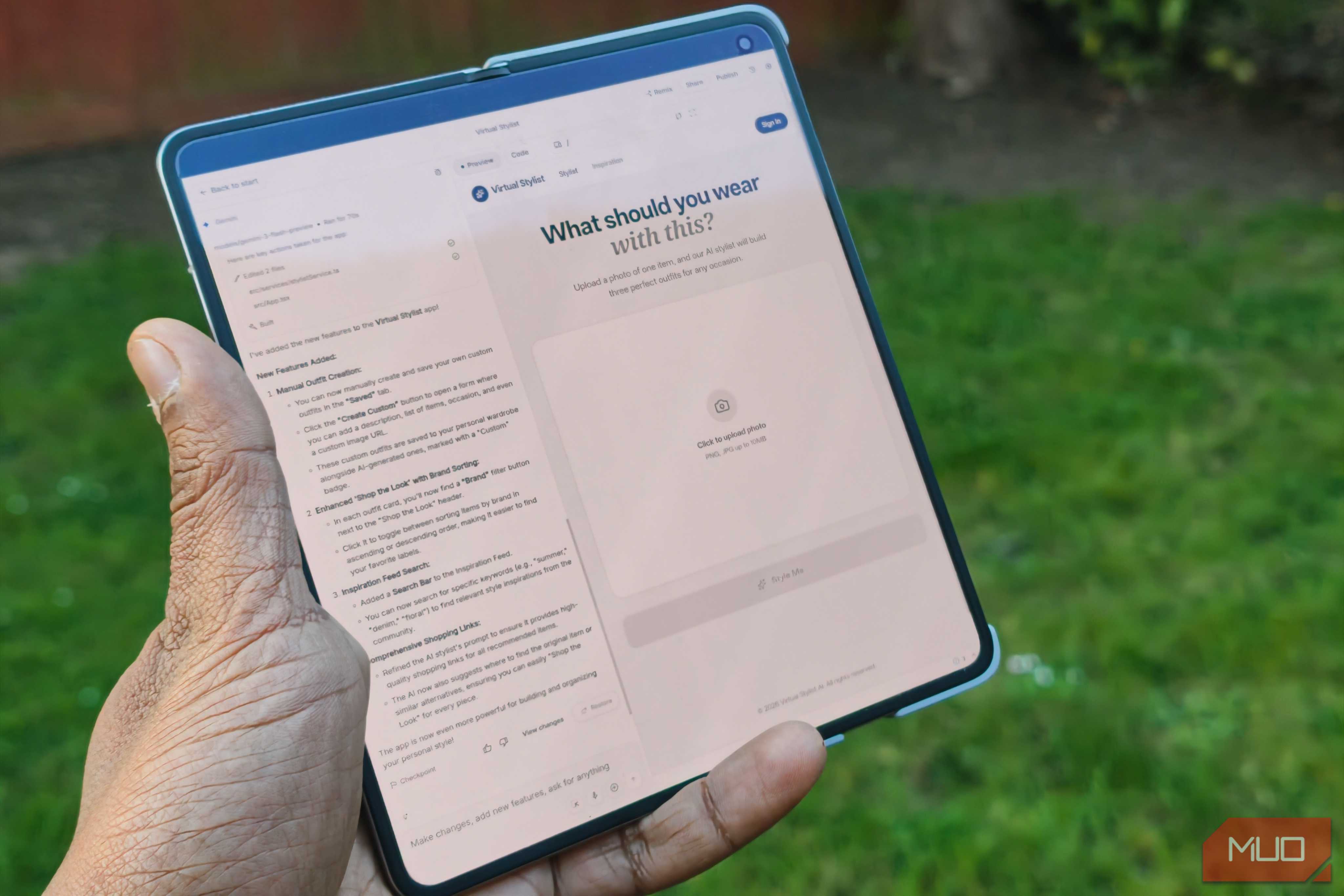





One of the projects I built previously with Google AI Studio.
Prior to using Cursor, I coded with both Gemini and Claude, providing prompts to Cursor and copying and pasting them into it. This was cumbersome, but my overall approach hasn’t changed that much: a CTO does all the prompting for a builder in Cursor.
The key difference now? I’ve entirely shrunk the gap, removed myself from the picture, and built a system that lets AI build things, verify them, and keep me up to date via Telegram.
The key Cursor trick that could save you thousands
Imagine AI planning, building, and testing on its own

Tools like Claude Code and Codex are so popular simply because they let Claude iterate, build, and test on its own. I loved that idea early on, but as I’ve begun building customer-facing platforms, I've realized I want more fine-grained control over this.
It turns out that Cursor’s sub-agents are the answer, and also the answer to maximizing my Cursor AI usage.
The premise is simple: an AI agent in Cursor (aka my AI CTO) can spin up sub-agents on its own. These take on my AI CTO’s parent model (in this case, Sonnet or Opus), which will draw from the more limited and far more expensive API pool. However, this is where Cursor really shines: instead of using the parent model, I’ve trained my AI CTO to always use the latest Composer for its sub-agents.
You don’t need an expensive AI model for every task; you just need the smartest model to oversee the work.
Here’s the key realization I discovered over months of coding and spending more money than I had hoped to: you don’t need an expensive AI model for every task; you just need the smartest model to oversee the work. Like a human developer team, you keep your star players in prominent roles where they can have the most impact, and let junior staff do the grunt work.
This sounds intriguing but confusing, right? Don’t worry, it took me a while to figure it out as well. The simple way to understand it is that you use the expensive model to plan the work, then have it spin up cheaper models to implement it, and finally use an expensive model to verify and merge the code into your project.
This gives you the benefit of the complex reasoning capabilities of an expensive model like Sonnet or Opus, but without the unnecessary overhead when actually coding. Once you plan a feature in detail, I’ve found that simpler models execute better than Opus or Sonnet, which can sometimes overthink the actual code.
How to stop burning your Cursor credits
You just need to plan ahead

Ok, so you understand the logic now, but how do you actually implement this trick? Thankfully, it’s easy. Here’s a step-by-step of how this works in my day-to-day coding workflow:
-
I plan new features with the AI CTO (usually Sonnet 4.6 for most projects)
- During the planning phase, I always switch to plan mode in Cursor.
- This means it’s focused on planning features and thinking broadly, rather than rushing to code.
- About 30–40% of the AI cost for a feature is actually spent on the planning. Once this is done, I have the AI CTO build a detailed plan, including the steps needed (with unique step numbers that include decimals), which serves as a “North Star” for this feature.
- Once we have that, I walk through the first few steps with the AI CTO.
-
After clarifying any final details, the AI CTO writes the prompts for each step, spins up a subagent using Composer 2.5 to build it, and then uses another Composer 2.5 agent to independently verify the first agent's work.
- In practice, this means the second agent uses the same prompt as the first to verify that the first agent’s work meets the brief.
- Once this passes the check, the AI CTO merges the feature into the “main” branch so it’s ready for human testing or for pushing live.
There are three key things you need to ensure the above actually happens. First, ensure that you fully plan features before coding them. Trust me, you’ll save hundreds if not thousands of dollars this way.

Second, be explicit about which model you want Cursor to use. Every one of my prompts says to spin up a wave of subagents using only Composer 2.5. By planning the entire feature out and telling the AI CTO to theorize how it could run these subagents in parallel (aka a wave), it has the blueprint to build this as a wave of subagents. As such, I’ve had features built that took multiple waves (both parallel and consequential) with around 50 agents in total, all with little to no involvement on my side.
Lastly, this is key: always check whether it has started with Composer 2.5, as it sometimes defaults back to the (likely more expensive) parent model. When this happens, always stop the subagent and tell it to start again using Composer 2.5. This way, you’ll always use your Cursor credits effectively and save those expensive API credits for when it really matters.