


Where I live, there’s no real option for wired internet. For years, my internet has come from mobile 4G, which could occasionally produce a respectable-looking speed test result of around 5–12 Mbps. However, the reality on the ground was far different, with constant drop-outs, buffering streams, and speeds dropping to near zero whenever tourist season came around.
So I finally bit the bullet and got Starlink satellite internet. The biggest improvement I expected was that the number on the speed test would be far more impressive — and it was. But it also revealed that latency, jitter, and packet loss are important indicators of a reliable internet connection.
My first Starlink installation nearly ruined the experiment
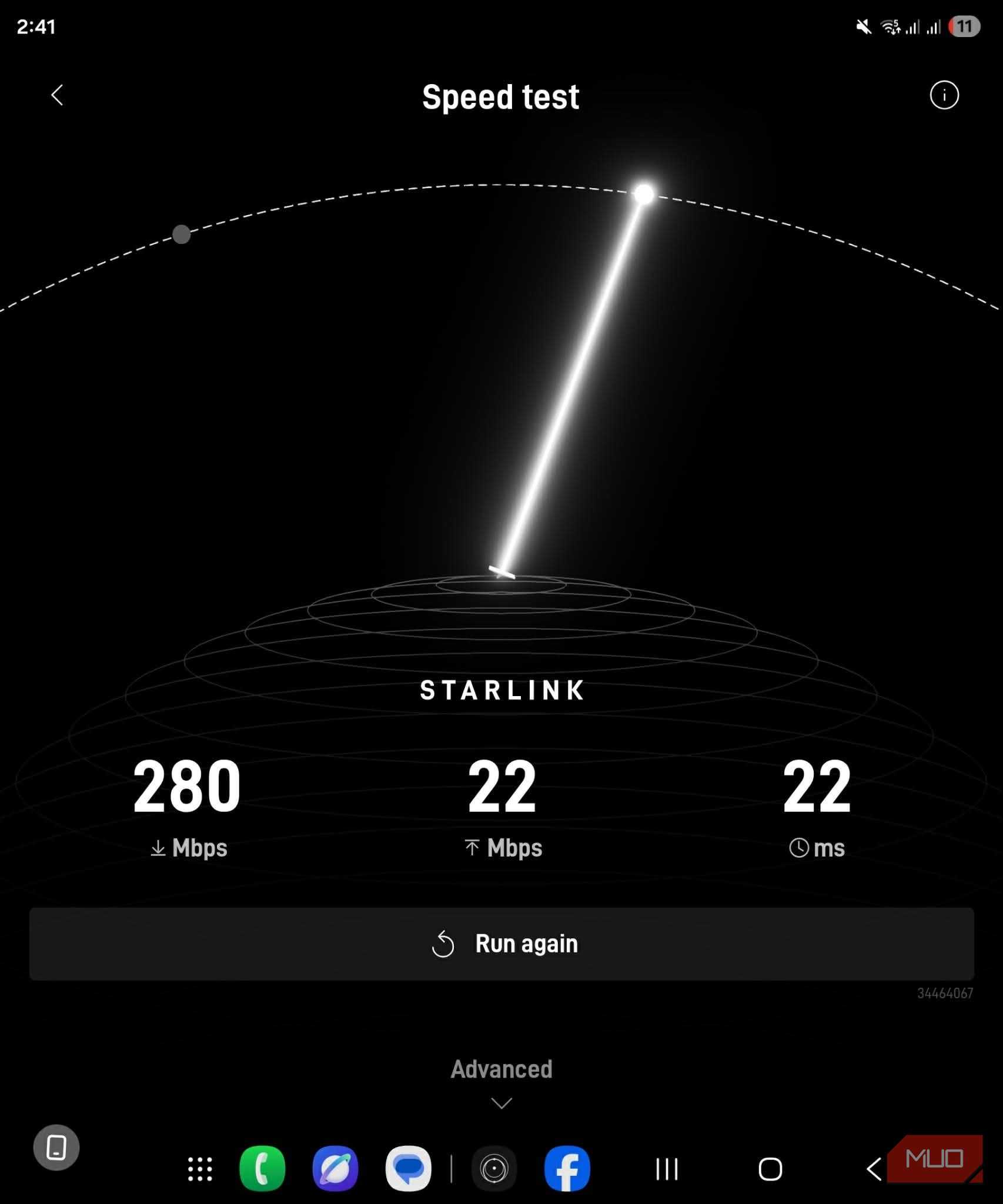
The Speedtest.net results were amazing, but the connection was still broken





Rural 4G internet had been my only practical option for so long that I had learned to live with unreliable internet. Given that so many people in rural locations reported amazing performance from Starlink, my expectations for the tech were already sky-high.
Starlink works differently from traditional high-orbit satellite internet like HughesNet, where a dish communicates with a stationary satellite. Starlink’s satellites move across the sky in low Earth orbit, and the Starlink Mini phased-array antenna electronically adjusts its beam to maintain the connection.
That means it needs a wide and unobstructed view of the sky. Seeing plenty of sky is just not enough if something blocks the specific patch where a satellite is passing.
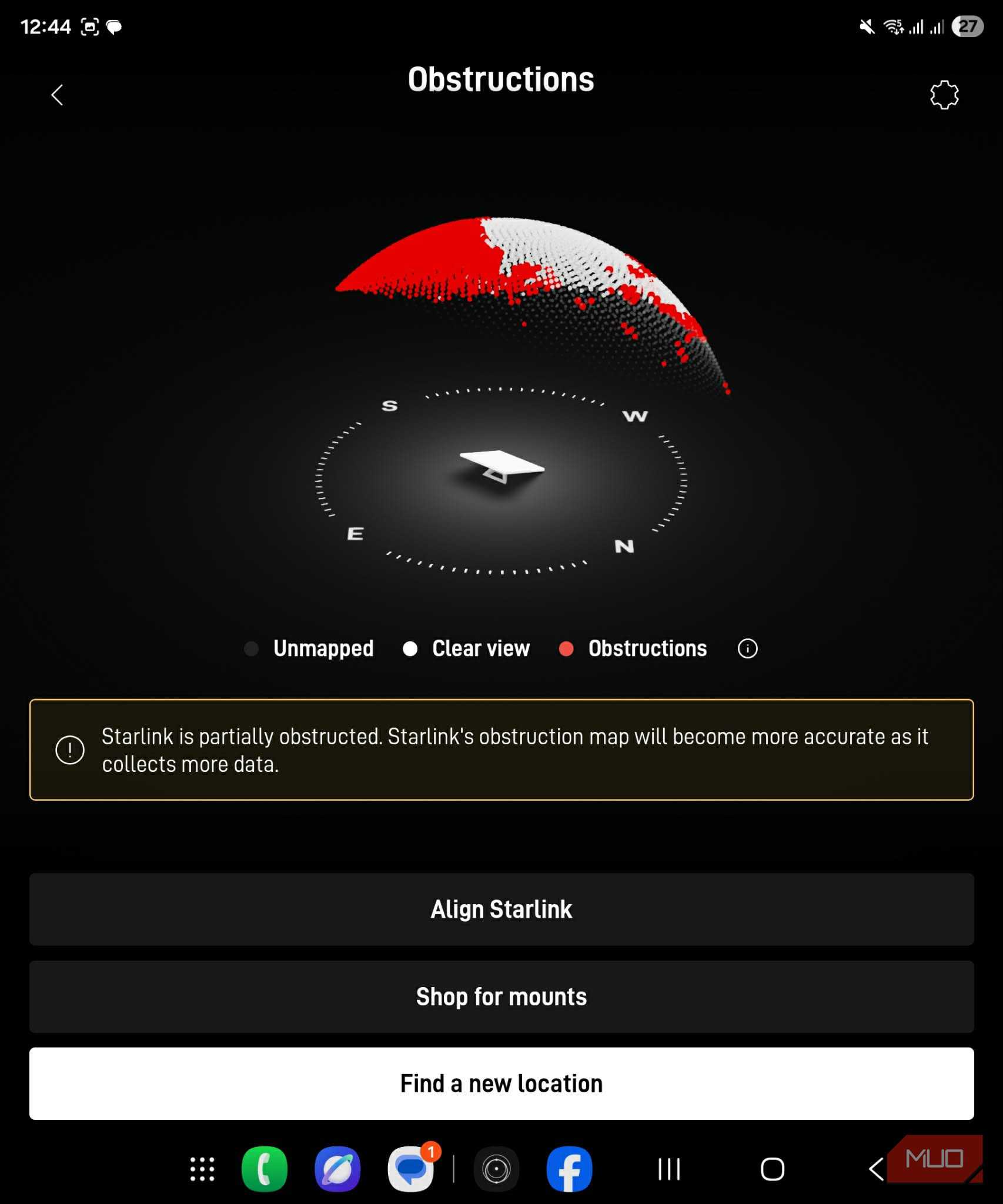
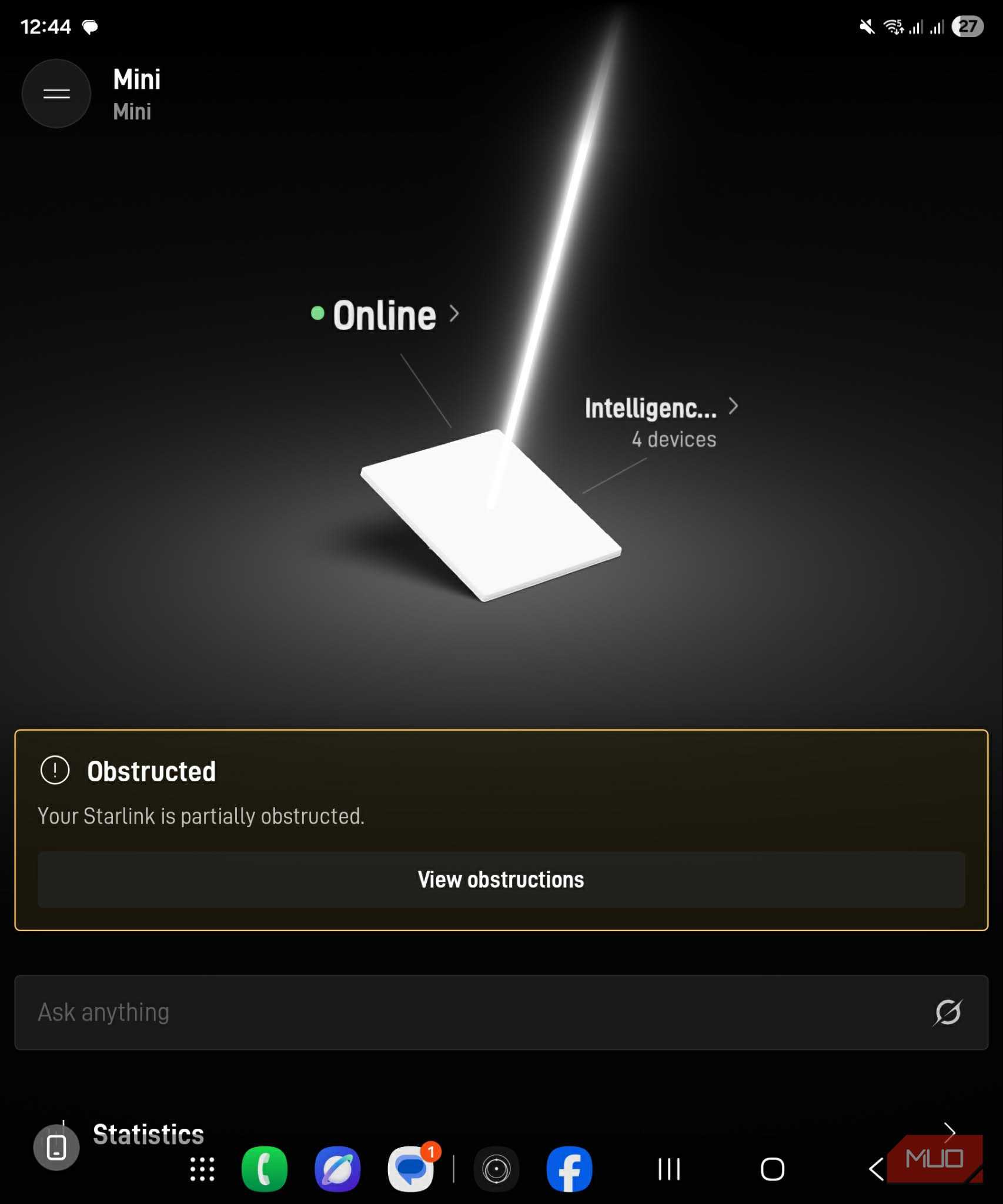
Unfortunately, a local contractor had installed the Starlink antenna under a roof awning. It only covered about 5% of the surface, but it was enough to ruin my first Starlink experience. Websites would time out, streams kept buffering, and it felt like I’d just purchased an expensive replication of my horrible 4G internet.
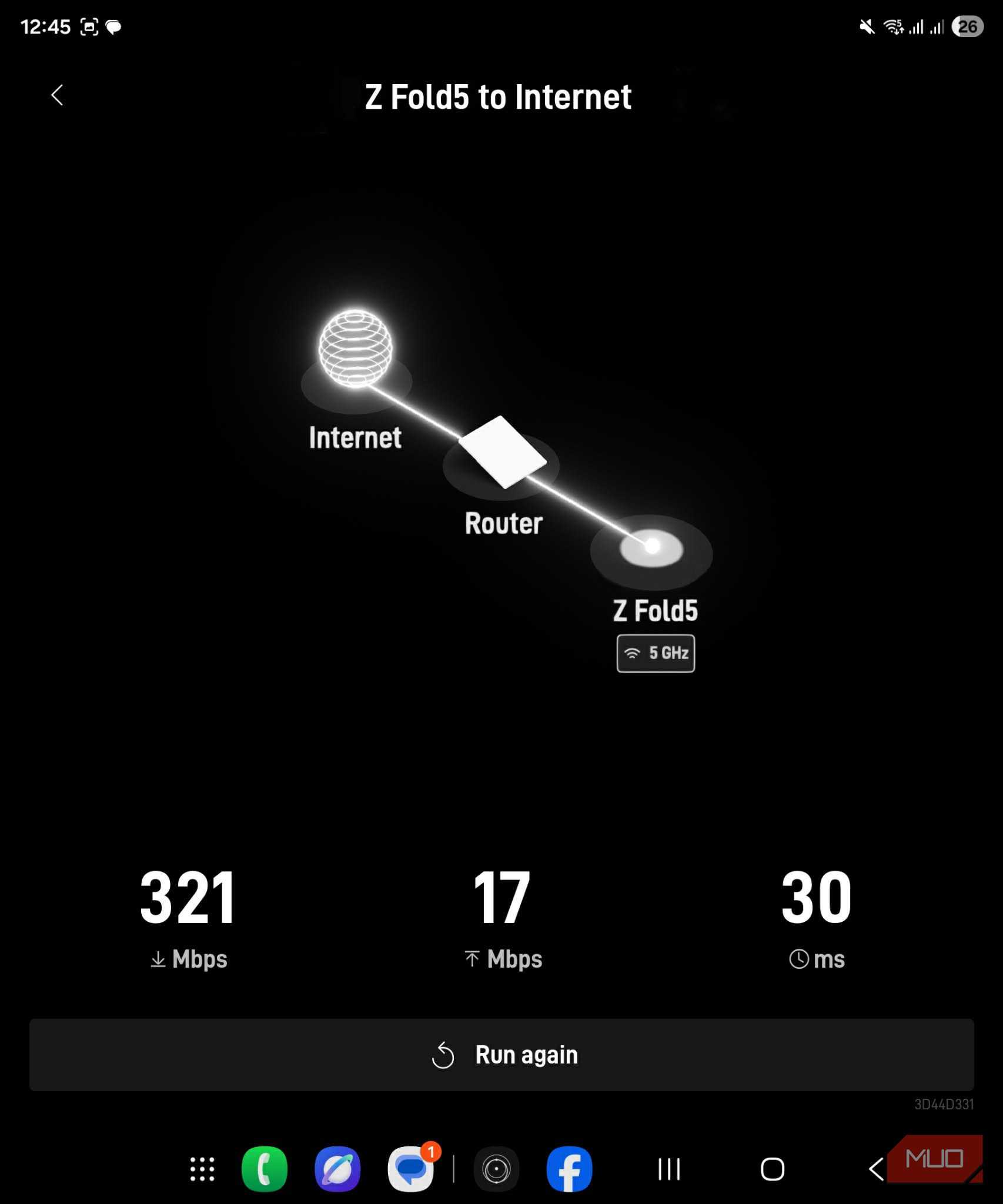
Strangely, Speedtest.net was still producing brilliant results. It only needed one clear stretch long enough to measure the download speed, so the impressive numbers were in direct contradiction to what I was experiencing when trying to use the internet.
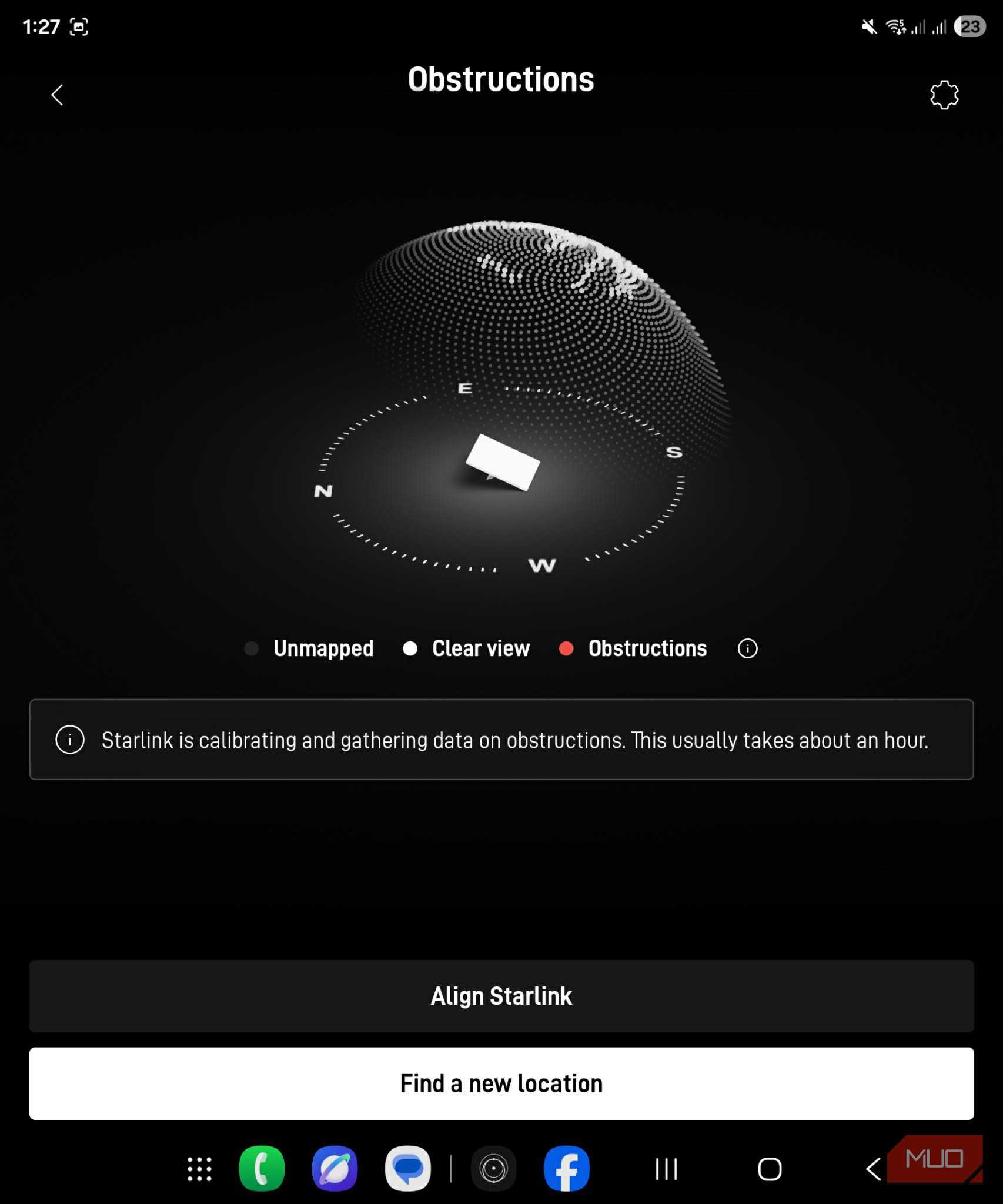
The Starlink app quickly revealed the problem, too, and its handy obstruction map showed that the awning was covering a small portion of the antenna. Being impatient and not wanting to wait for the installer to remount it, I moved it myself to a position with a clear view of the sky, which immediately fixed the issue.
I used PowerShell because a normal speed test missed the problem
Bandwidth alone made rural 4G look much healthier than it was

Moving the Mini away from the awning immediately stopped the constant interruptions. But it also taught me that download speed is only half the story. A connection can shift data quickly and still be unusable when tools show latency jumps, or packets get lost along the way.
That’s why I decided to build a PowerShell script to test both connections properly, rather than just trusting what online speed testers show me. I used the same laptop and tested the connections at intervals of about 20 minutes. Both my old hotspot and the Starlink Mini’s Wi-Fi connection were at around 80-85%, and both tests hit the local Cloudflare server. The script itself pings to 1.1.1.1 and allows two seconds for each reply:
$Reply = $Pinger.Send($PingTarget, 2000)

if ($Reply.Status -eq "Success") {
    $PingTimes += $Reply.RoundtripTime
}
Missing replies are logged as packet loss. The script also calculates the latency range and jitter, which is a measure of how sharply response times vary between packets:
$Differences += [math]::Abs(
    $PingTimes[$i] - $PingTimes[$i - 1]
)
Finally, it timed lookups for five domains and performed three identical 10MB downloads. I used the median download result to prevent a single really good or really bad run from determining the final result.
|
Metric |
Rural 4G |
Starlink Mini |
|
Download |
12.08Mbps |
22.26Mbps |
|
Average latency |
334.9ms |
34.7ms |
|
Maximum latency |
1,845ms |
56ms |
|
Jitter |
231.5ms |
9.3ms |
|
Packet loss |
12.5% |
0% |
|
DNS lookup |
166.4ms |
2ms |
It’s worth noting that this is a controlled comparison at my rural location, not proof that Starlink will beat every single 4G network. It did, however, reveal why my 4G mobile internet always felt so unreliable.
The 4G speed looked acceptable until I saw everything else
Starlink’s biggest victory was keeping latency under control

My speed test results alone didn’t make rural 4G look completely hopeless, even though it was. It still managed to reach 12.08 Mbps, while Starlink hit 22.26 Mbps. An 84% improvement is absolutely useful, but 12Mbps should still be able to handle ordinary browsing and streaming. Download speed alone just couldn’t explain why the mobile connection felt so bad.
The latency results, however, could explain it. Both connections responded almost identically at their best, with minimums of 28ms for 4G and 27ms for Starlink. That showed the mobile connection had the potential when conditions allowed. Its worst reply then took 1,845ms, while Starlink stayed happily between 27ms and 56ms. Average latency also dropped from 334.9ms to 34.7ms.
Jitter, which is the variation between those response times, fell from 231ms to 9.3ms. The 4G connection also managed a 12.5% packet loss between here and the tower, while Starlink lost none.
Essentially, the 4G could answer one request in 28ms, lose the next one entirely, then take almost two seconds to deliver another. That’s what creates all the frozen video calls, broken streaming, and downloads that just stop for seemingly no reason.
DNS lookups were also noticeably faster during the Starlink test, although, to be fair, caching and resolver choice definitely can influence that result. Thanks to the PowerShell speed test script, the larger issue resolved by Starlink was clear. My rural 4G wasn’t consistently slow. It was just wildly unpredictable, which was way worse.

Starlink Standard 4 X AX Tri Band Kit
- Wireless Coverage
- Up to 3,200 sq ft (297 m²)
The Starlink Standard 4 X AX Tri-Band Kit combines SpaceX's latest satellite dish with the Wi-Fi 6 Router 3, delivering fast low-latency internet in areas where traditional broadband is unavailable.
Starlink gave me a problem I could actually fix
A clear sky was easier to solve than an unpredictable mobile network

Starlink is awesome, and I’m really happy I decided to get it. But it’s still not the perfect internet solution for rural areas. It costs way more than my mobile connection, consumes a lot more power, requires dedicated hardware, and is fussy about antenna placement. I definitely learned that lesson the hard way.
Weather, congestion, and even a tree on a neighbor's property can also cause problems.
The big difference is that Starlink showed me exactly what was wrong. The app identified that the obstruction was the issue, and moving the Mini just four feet away completely solved it. Mobile internet that jumps from 28ms of latency to 1,845ms, on the other hand, can only really be partially helped by using a well-placed external antenna. Even then, there’s no guarantee.
In real-world speed tests, Starlink only came close to doubling my existing 4G download speed, but it made my internet connection more consistent and predictable. That’s worth far more than adding another 10MB to a speed test.
For now, I’ve finally stopped worrying about wind, rain, and tower congestion and am finally enjoying stable internet thanks to Starlink.