

The standardization of USB-C across smartphones and other consumer electronics is probably the best thing about modern technology, but this regulation still has its limitations. Not all USB-C chargers are the same, and certain manufacturers lock charging protocols to their own devices, which often require specific chargers and cables.
USB-PD (USB Power Delivery) is one such protocol, widely used across the industry, but there's an extension of USB-PD called PPS (Programmable Power Supply) — a feature many people, including me, aren't familiar with. If your phone supports PPS, you may already be undercharging it without realizing, because cheap chargers aren't equipped with this protocol.
So what does PPS even do?
Think automatic transmission, not manual shifting

Typically, USB-PD offers a fixed set of voltage levels: 5V, 9V, 15V, or 20V, depending on your charger and device. The idea is that USB-PD gives fixed options to the device, allowing it to accept the one it needs. PPS differs in that it allows the device to adjust the voltage and current it needs rather than offering fixed presets.
Modern smartphone batteries adjust their current requirements over time, drawing high current during the initial charge cycle and gradually dropping off as the battery charges to minimize heat and prevent the battery from wearing out. For instance, a phone supporting PPS may charge at 5.5V or 8V, adjusting the voltage in real time depending on the battery's needs at that moment. A simple analogy for PPS charging is an automatic transmission, rather than the manual shifting of a standard USB-PD charger.
 Quiz
QuizThe types of USB chargers
Trivia challenge
From bulky Type-A bricks to tiny USB-C ports — how well do you know the chargers powering your devices?
Which USB connector type is symmetrical, meaning it can be inserted either way up?
What is the maximum power delivery wattage supported by the USB Power Delivery (USB PD) 3.1 specification?
In what year was the original USB standard (USB 1.0) officially released?
What does the 'Quick Charge' technology developed by Qualcomm primarily do?
Which USB connector was most commonly used for charging older Android smartphones before USB-C became standard?
What is the key difference between a GaN charger and a traditional silicon-based USB charger?
Which USB specification introduced the iconic flat, rectangular Type-A connector that became standard on nearly every PC for decades?
When a USB charger port is colour-coded with a blue insert, what does this typically indicate?
Your Score
Thanks for playing!
Does your phone even support PPS?
Nearly every modern Samsung and Google phone supports PPS — here's how to check

Most flagship Android smartphones in recent times support PPS — particularly those running Qualcomm Quick Charge 4 and 4+. The Samsung Galaxy S series from S20 onward, Google Pixel 6 and newer, and Nothing phones are notable examples of smartphones that support PPS.
Newer models like the Samsung S26 Ultra come equipped with higher battery capacities, like 5,000mAh, in which case voltage precision matters a lot. Using a non-PPS charger will produce more heat, which will degrade your battery capacity and force your phone's power management IC to work overtime.
Still, if you're not sure whether your phone supports PPS, you can always check GSMArena for your phone's official specifications and search for PPS to confirm. Alternatively, phrases like USB-PD 3.0/3.1 in the specifications are strong indicators that the phone supports this protocol since PPS debuted with USB-PD 3.0.
Here's the PPS charger I switched to
Since we're discussing buying a new charger, why not switch to GaN?


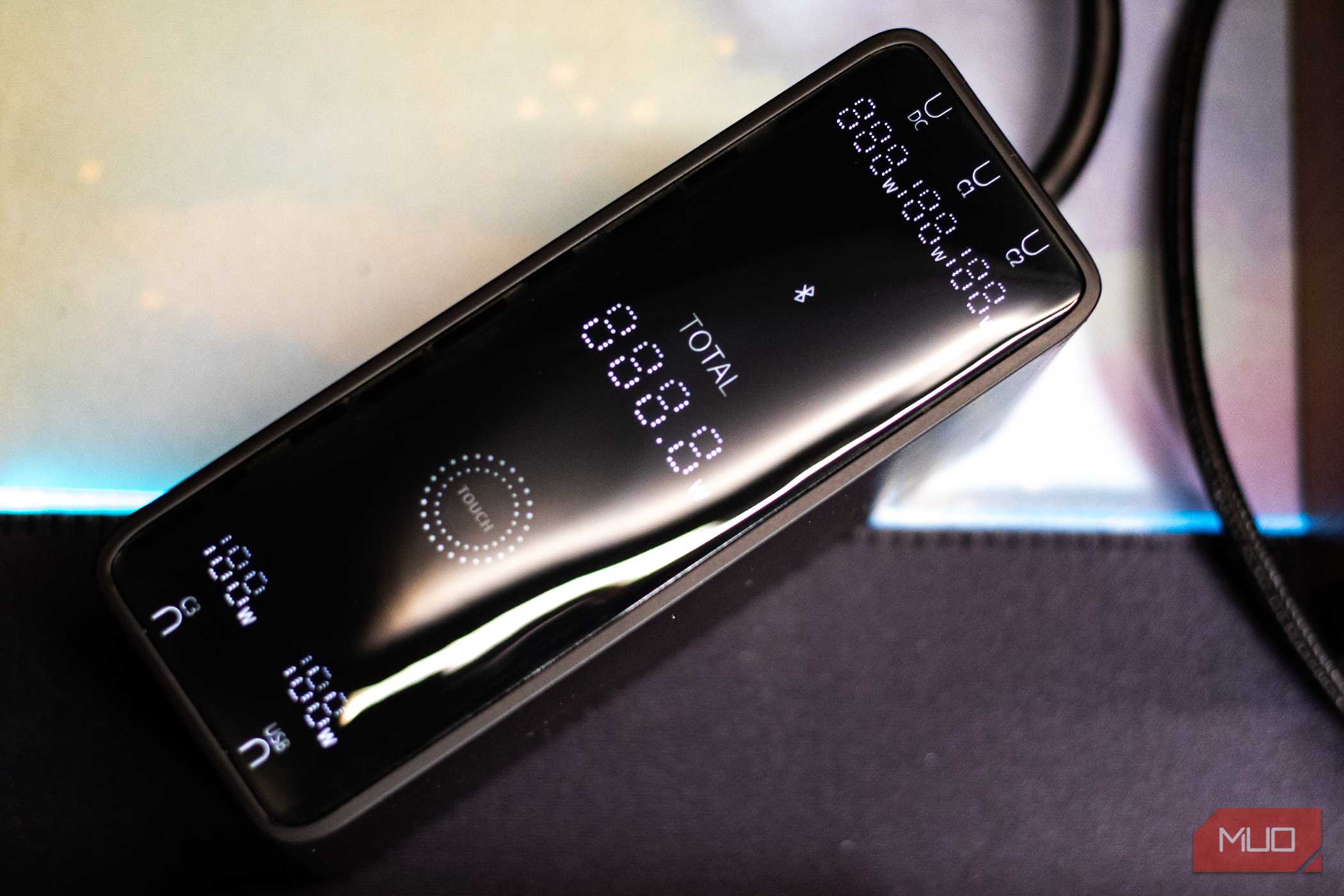
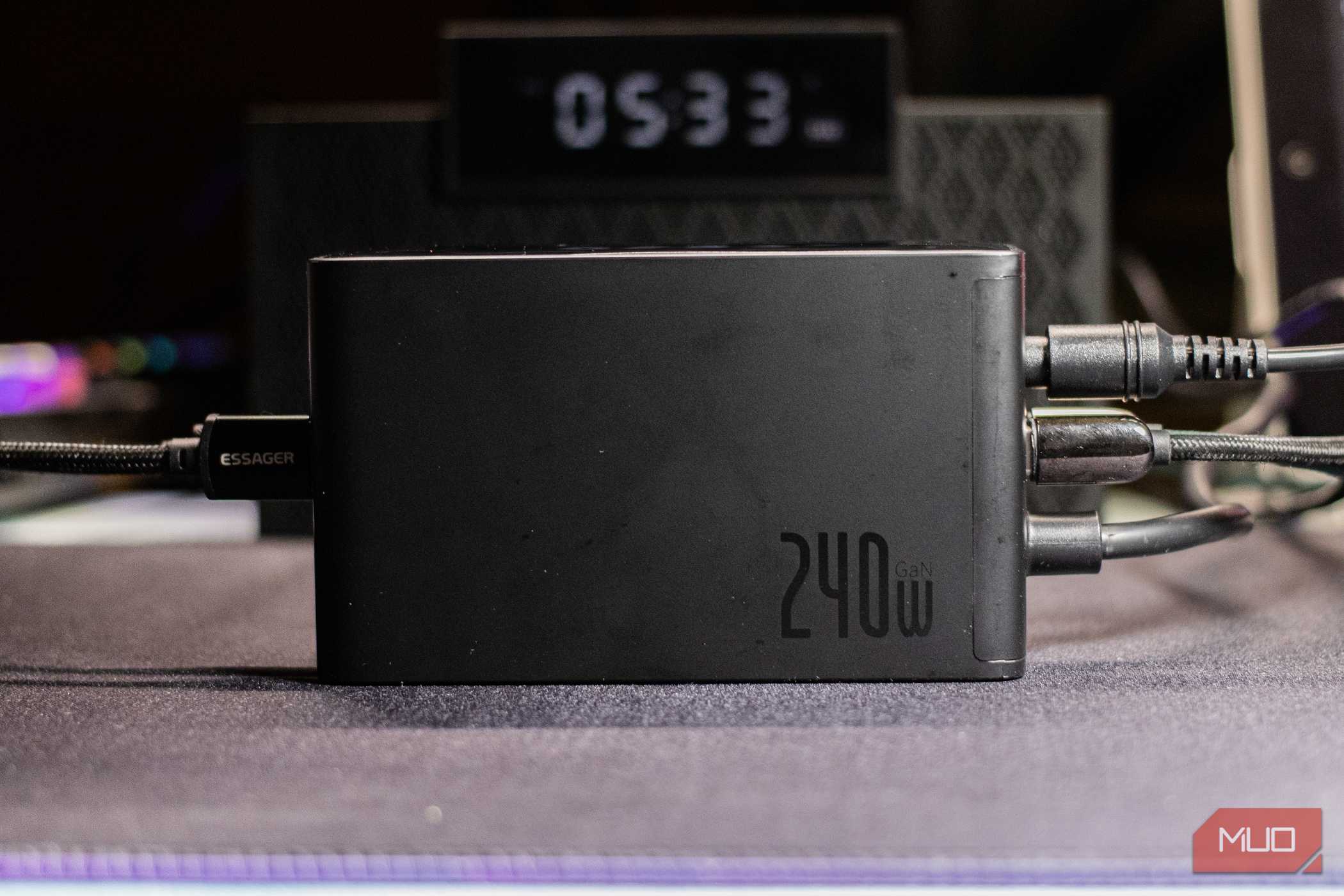
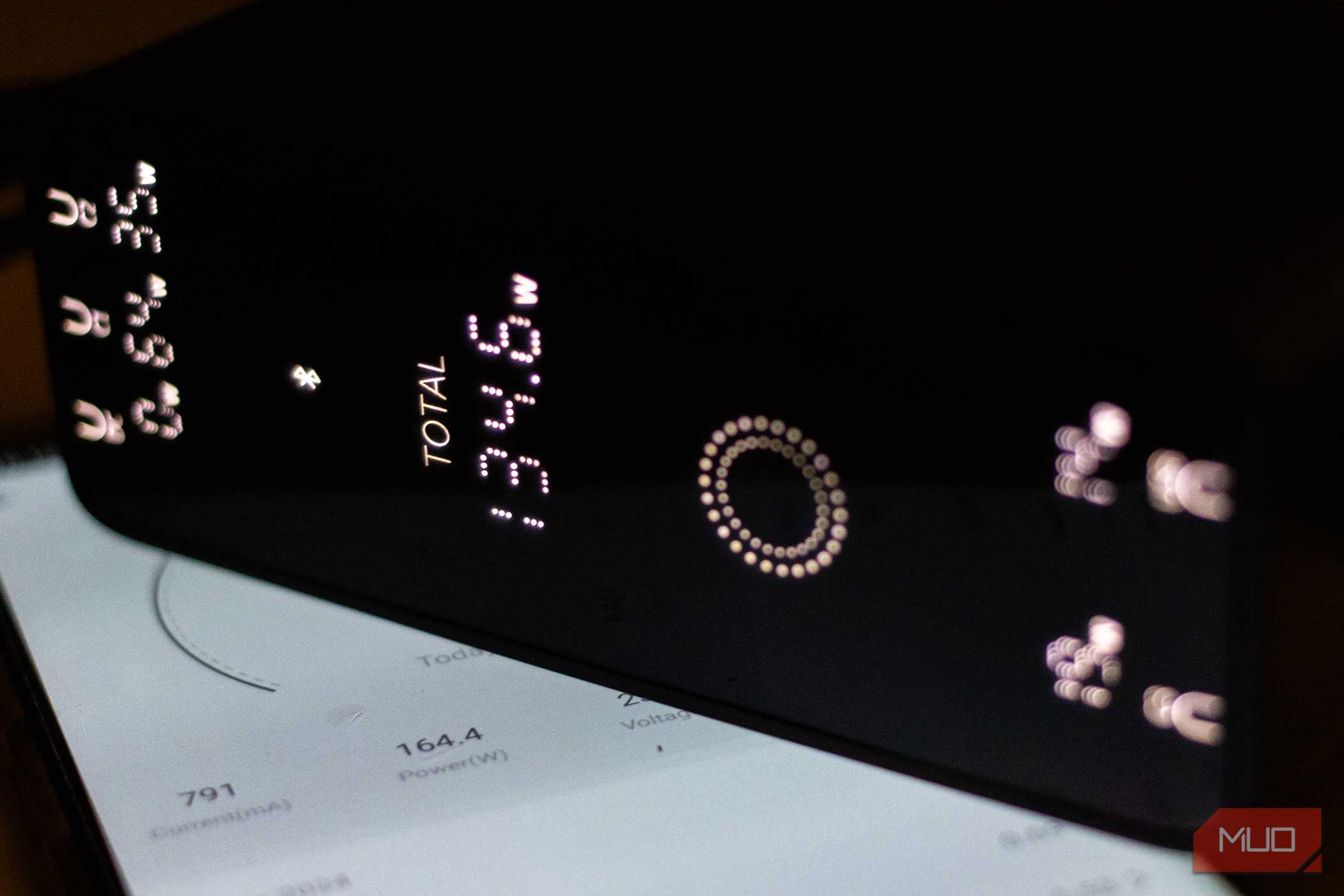
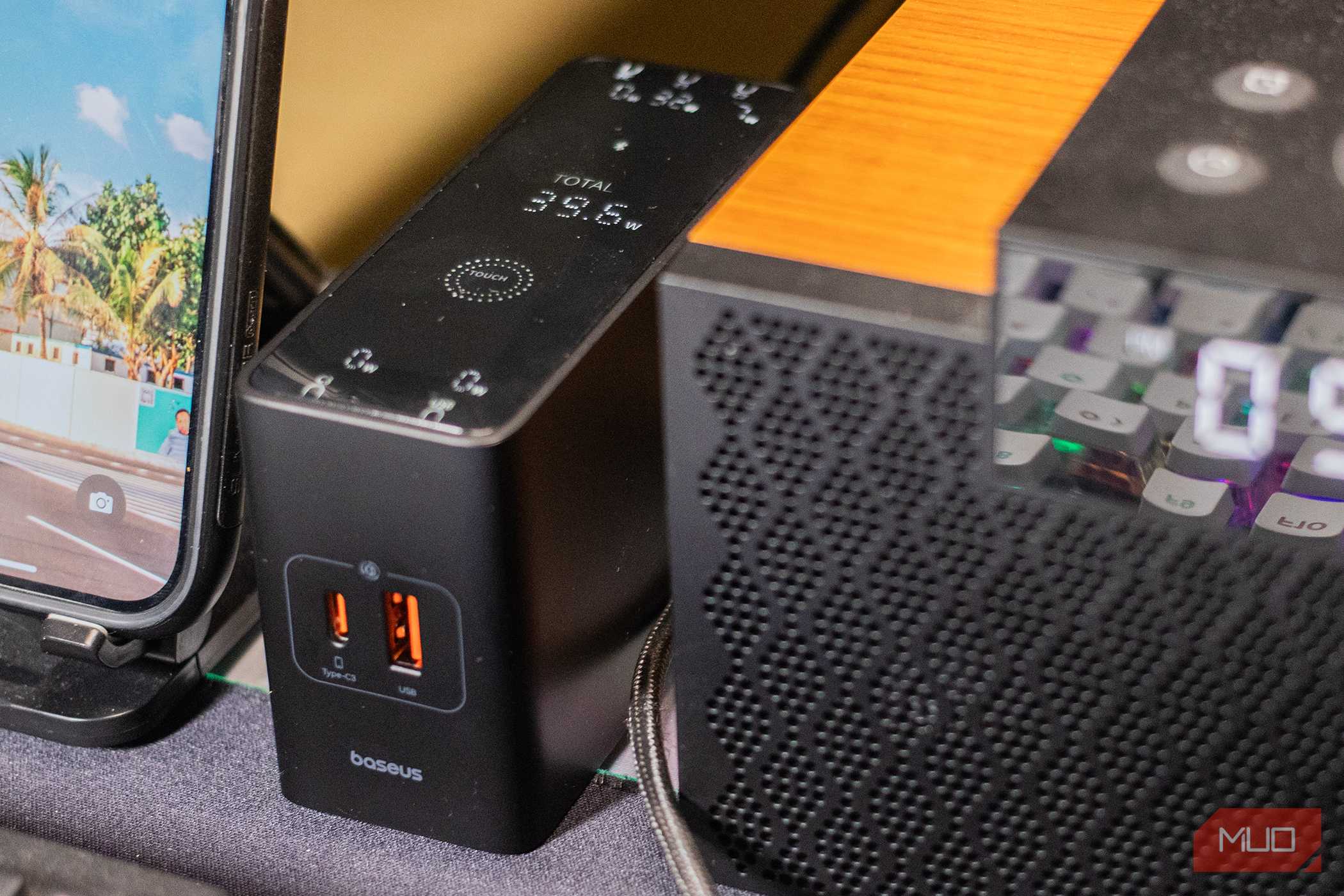
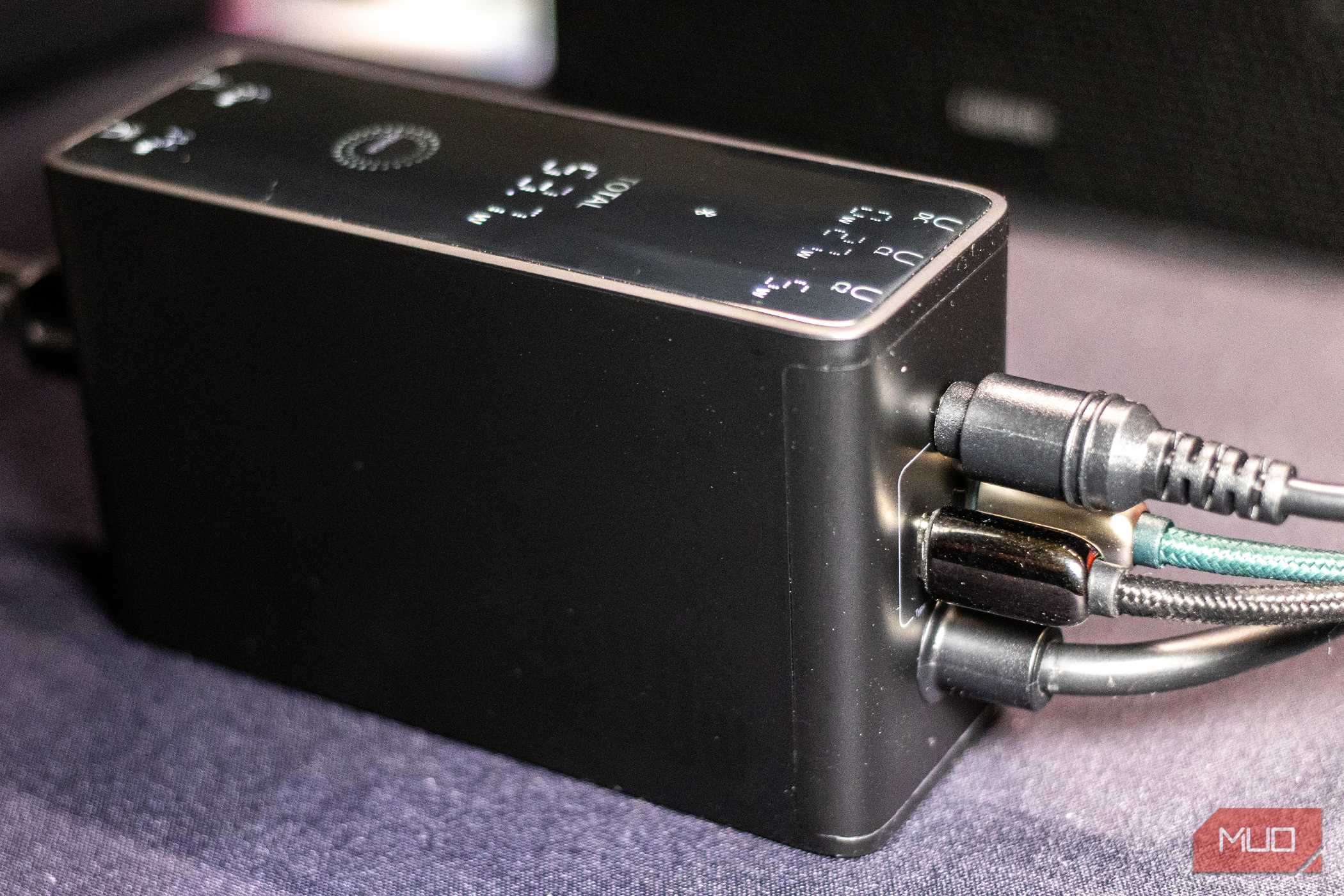
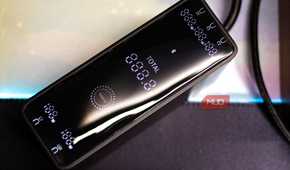
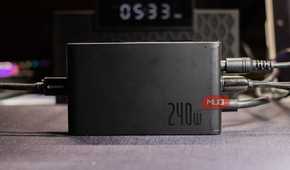
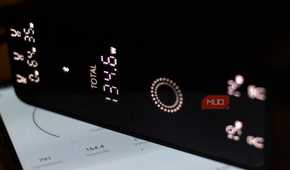
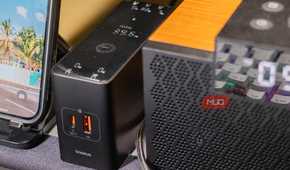
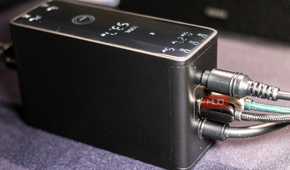
I always carry two phones, and after losing my Galaxy S20 to a rookie mistake, I got a used Galaxy S23. Unfortunately, I had been unknowingly charging my phone at a reduced wattage for at least a month before I even knew what PPS was. Regardless, after finding out, I had to look up a newer charger, one that actually supports this feature.
You would need a charging brick that explicitly supports PPS, not just one that has a higher wattage ceiling. PPS chargers differ from high-wattage chargers in that they continuously adjust the voltage. This also doesn't exclude the need for a decent USB-C cable, one rated at least 3A.
Since I was already looking for a new charger, I opted for a GaN charger that uses gallium nitride instead of silicon as the semiconductor, ultimately providing more efficient charging. I got a Baseus 240W Digital GaN Charger, which features 1x DC port, 1x USB-A port, and 3X USB-C ports with USB-PD and PPS support. Shifting to a GaN charger has been one of the best investments I've made in recent times, helping me reduce the clutter on my desk and create a single charging point for all my devices.

Baseus 240W Digital GaN Charger

- Brand
- Baseus
- Output
- 240W
- Input
- 110-240V~, 50/60Hz, 3.5A max
- Color
- Black
The Baseus 240W Digital GaN Charger adds several smart features to the desktop charger. It connects to your phone via the Baseus app, allowing you to set timers, monitor charge status, and even remotely switch on or off individual ports.
Your phone deserves better than a dumb charger
USB-C has many variants for charging, despite being a standardized charging protocol across nearly every modern device. Even if you've found out that your phone supports PPS, you might still be slow-charging your phone because of the charger, which becomes a limiting factor. Since modern flagship smartphones don't even come with chargers in the box, most users don't bother replacing them and keep using their outdated USB-C chargers, unaware they lack the charging speeds new phones need. I had been using my 5-year-old USB-C charger to charge my Samsung Galaxy S23, degrading my phone's battery until I learned about the PPS protocol. I regret not knowing earlier.