


I used to think my phone's data plan was getting eaten by the apps I actually opened, but I was wrong. When I checked my usage breakdown, I saw that Facebook had pulled more data overnight than I'd used all day browsing it. None of these apps were running in any way I'd noticed, but they were still using mobile data. They were just quietly awake and using up data on their own.
Facebook uses data when your phone is locked
These kinds of apps load everything early so you don't have to wait

Social media apps like Instagram, Facebook, TikTok, and Snapchat are really good at making everything feel instant. You open the app, and the content is already there. But that actually costs you a lot more data than you'd think.
They pull that off by staying connected in the background. They are constantly grabbing new posts, loading up videos before you even hit play, and sending little bits of usage data back to their servers, even while your phone is sitting in your pocket, locked. Thanks to a feature called Background App Refresh, these apps get permission to wake up, connect to the network, and sync data without you ever touching your phone. Instagram's a classic example of this.
It's constantly loading Reels in high resolution, refreshing Stories, and checking for new messages in the background, all so your feed looks perfectly current the second you open it. Facebook does basically the same thing with autoplay videos and notifications; TikTok preloads chunks of high-res video and syncs your drafts; and Snapchat's just as bad, pulling in Discover stories and updating its AR lens library without you ever asking it to.
Basically, the whole design of these apps is built around guessing what you'll want next, so instead of you waiting for things to load, your background data is doing the waiting for you, all the time.
These apps also constantly send data about you out into the world, such as location info and ad-tracking details. That background connection gets used to send tracking data to advertisers, check whether you've entered or left some location boundary, and update tags about your behavior, all so the ad side of these companies has as accurate a picture of you as possible.
A lot of apps use location tracking that runs in the background, so the second you cross into some zone they care about, the app quietly wakes up and sends that information to their servers.
Google Maps apps track your location even when they are idle
These kinds of apps download maps to guess where you're going next


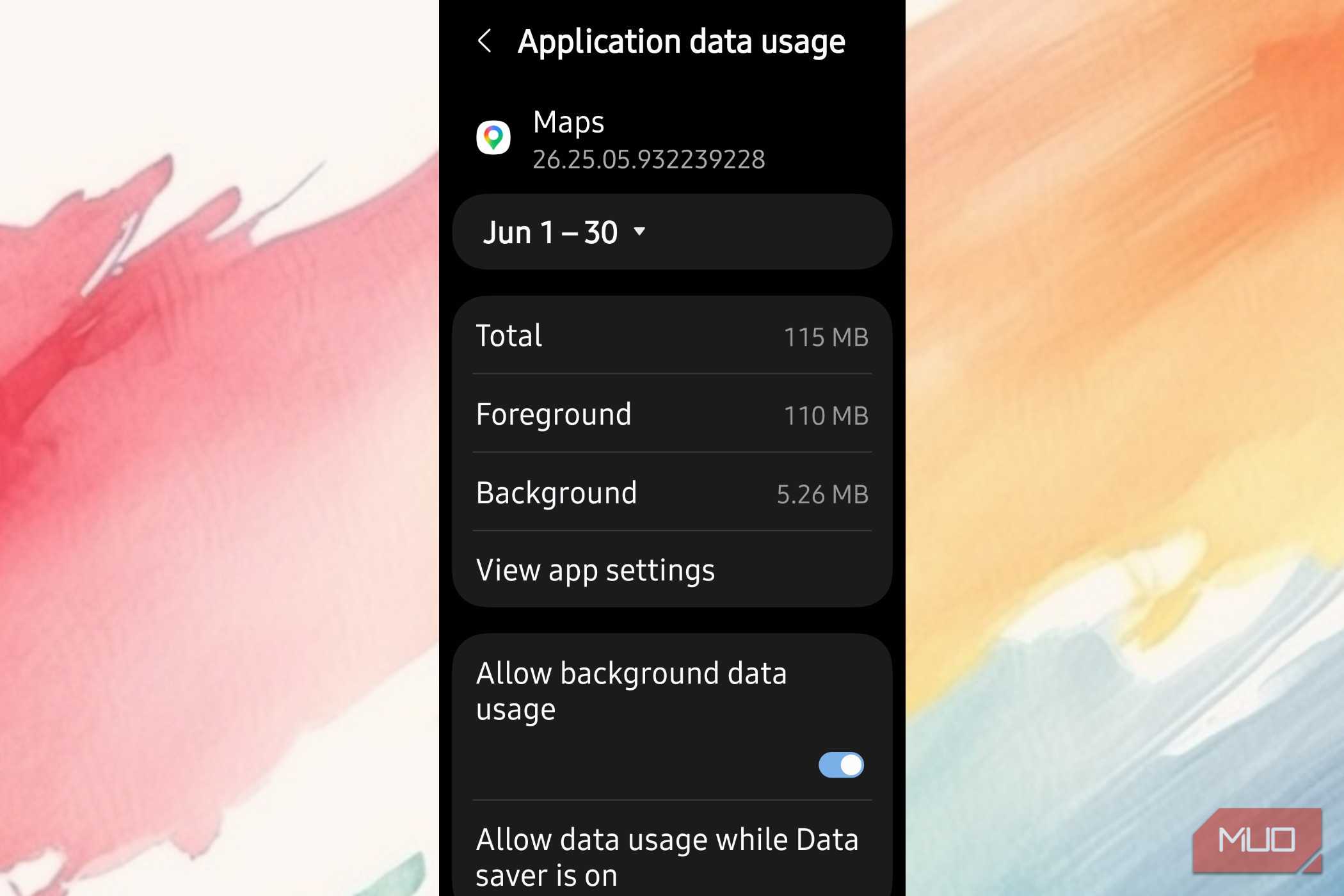
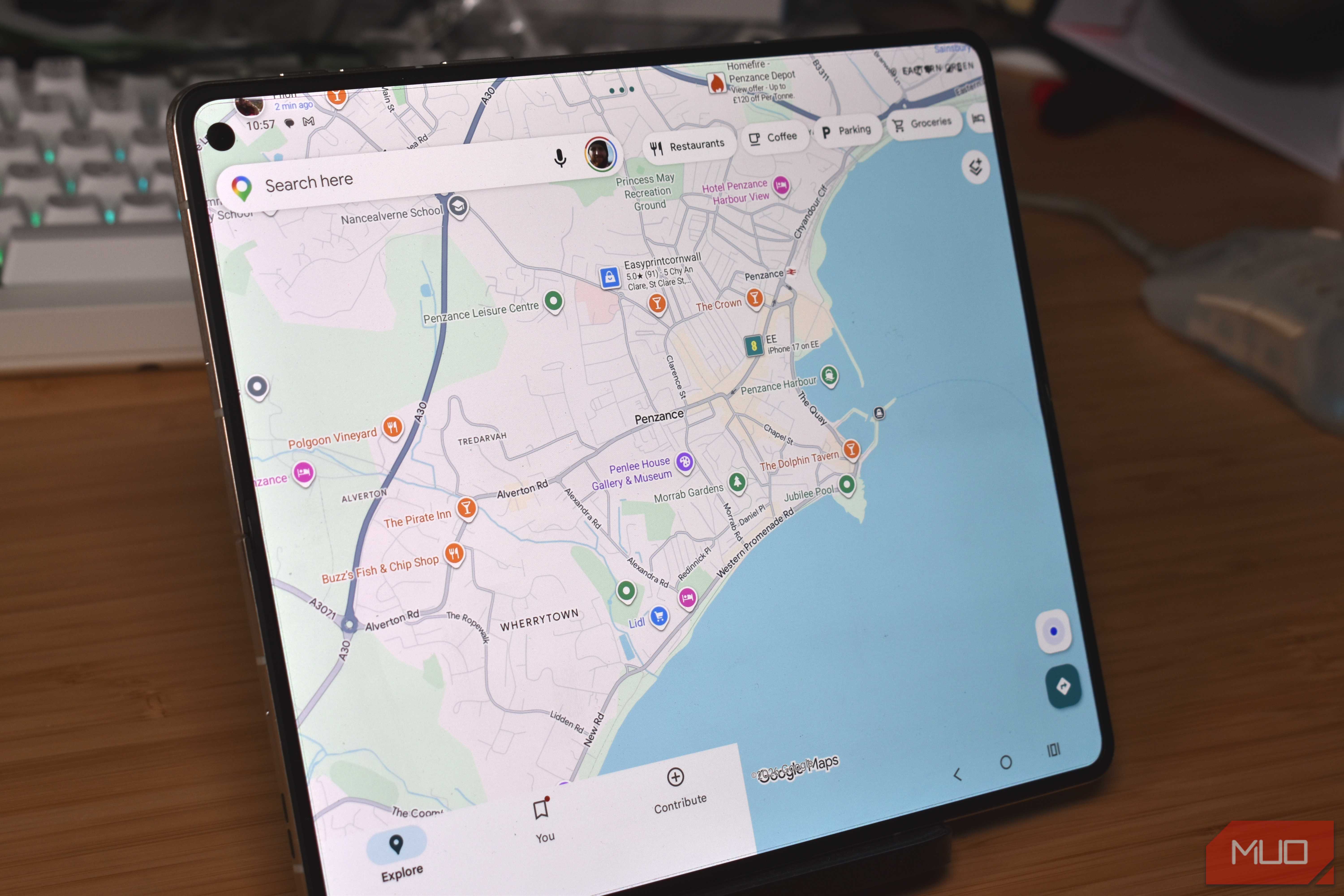
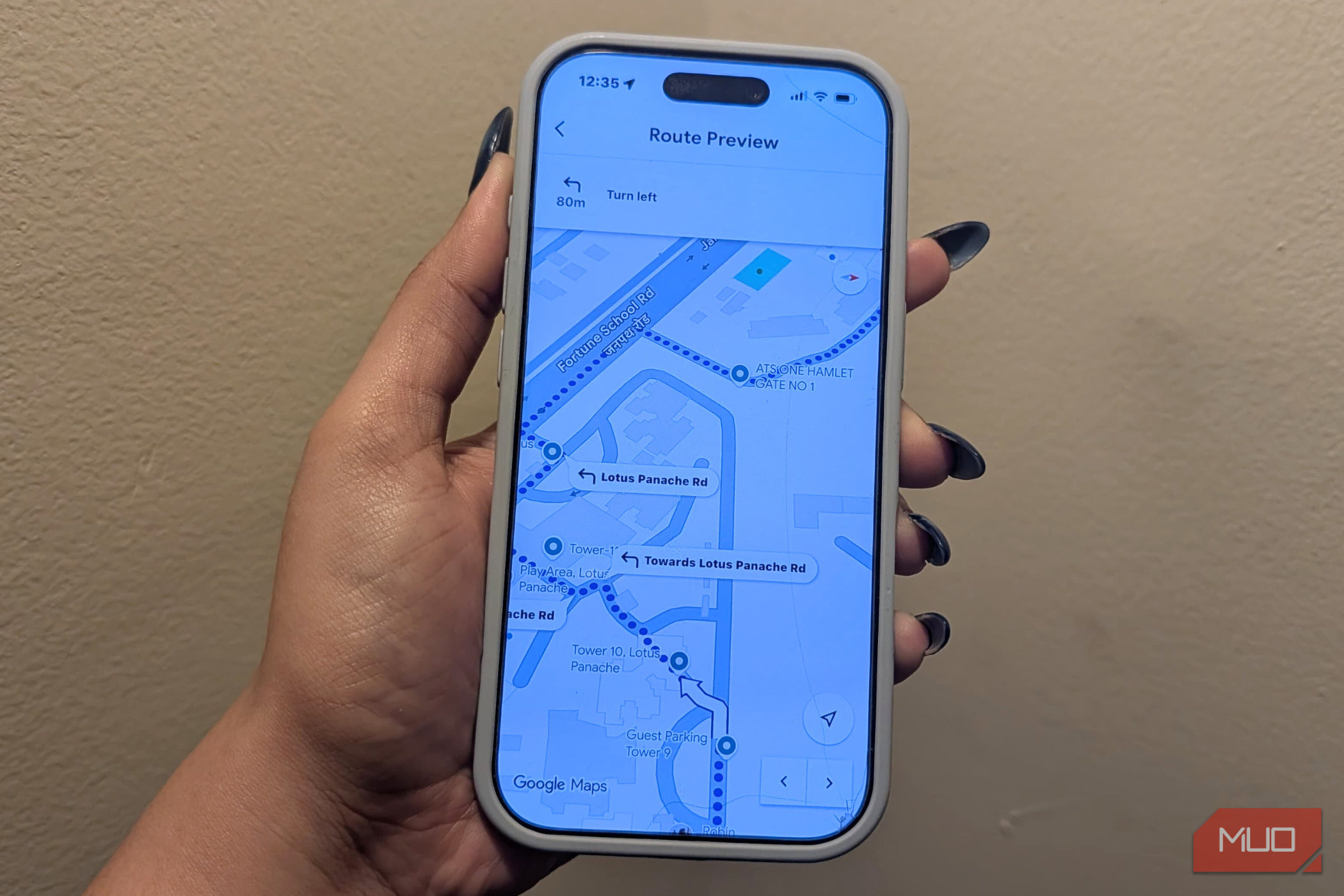
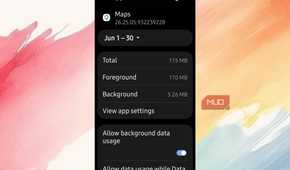
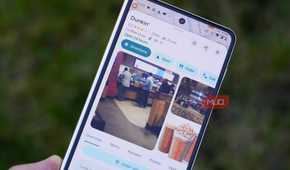
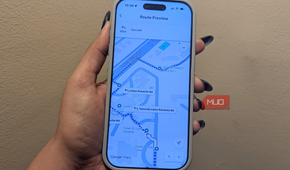
Navigation apps like Google Maps and Waze get all the credit for getting you where you're going without a wrong turn, but what most people don't realize is that they're also some of the sneakiest data hogs on your phone. These apps are constantly tracking your GPS location and pulling down real-time traffic updates in the background, even when you think they're just sitting there idle.
To make that tracking so smooth and accurate, they rely on the Fused Location Provider API, which combines signals from GPS satellites, nearby Wi-Fi, Bluetooth, and cell towers to determine your exact location at any given moment. And because all of that location data has to go somewhere, your phone is constantly talking to remote servers, sending and receiving information about where you've been and where you're headed.
It doesn't stop at just tracking where you are right now, either. These apps are actually built to guess where you're going next. So even when you're not actively checking a route, they'll often quietly download map tiles and info about nearby places just in case you lose signal and need things to load instantly.
This gets even worse if you use satellite view, since that means the app has to keep pulling in high-resolution images in the background to keep the map looking fresh and current. On top of that, many of these apps use Background App Refresh along with geofencing, which is a way to watch for when you cross into a certain area, so the app can wake up and fetch new data without you ever touching your phone.
They're good to use when you're driving or need them, but if you aren't using them, you should want them off. They are just resource hogs if left running in the background.
Netflix downloads videos before you even hit play
Streaming apps act like you have unlimited data

Streaming apps like YouTube, Netflix, Spotify, and Apple Music have made it easier to entertain yourself on the go, but it comes with a huge catch. To keep playback smooth and instant, these apps are built to load high-definition content behind the scenes, even when you're not actively watching or listening.
To stop you from ever seeing a buffering wheel, they load several minutes of content ahead of where you are in the video or song, and that doesn't stop just because you hit pause or back out of the app.
The app keeps downloading large media files in the background, basically betting that you'll come back and pick up where you left off. The problem is that all this hidden loading assumes you're on a fast, unlimited connection, and if you're not, it can chew through a limited data plan quickly.
The amount of data that high-definition streaming uses is kind of wild, and it gets worse the higher the quality setting goes. Since these apps keep grabbing chunks of these huge files to stay ahead and keep that buffer full, your phone's cellular connection has to stay switched on the whole time, even when it should be off. So it's downloading gigabytes of content you might not even end up watching if you switch to another app.
Google Drive syncs your files all the time
Cloud storage apps upload your highest-quality photos right away

Cloud storage and backup apps like Google Drive, Dropbox, and iCloud are kind of a double-edged sword. They're essential for keeping your photos, files, and documents safe, but they're also some of the hungriest background apps running on your phone. To make sure you never lose anything important, these services constantly sync your photos, videos, and files to their servers pretty much nonstop.
That invisible syncing is convenient, sure, but it can eat through your mobile data fast. Most backup apps come set up by default to upload your highest-quality stuff right away. So every time you snap a photo, shoot a video, or even just edit a file on your phone, you're kicking off a data upload in the background, and that often adds up to a steady, unpredictable drain on your data throughout the day.
This will make things slower sometimes
None of this means you need to delete these apps or live with a buffering wheel every time you open YouTube. Every bit of background syncing that makes your feed look current, or your route load instantly, is data you're spending without deciding to spend it. I turn it off for apps I use occasionally, but leave it on for the two or three I actually rely on. This cuts the waste without giving up what I want.

- OS
- Android, iOS, macOS, Windows
- Developer
- Price model
- Free, Subscription
Google Drive is a safe, free cloud storage service that lets you easily save, share, and work on your files and photos from any computer or phone.