


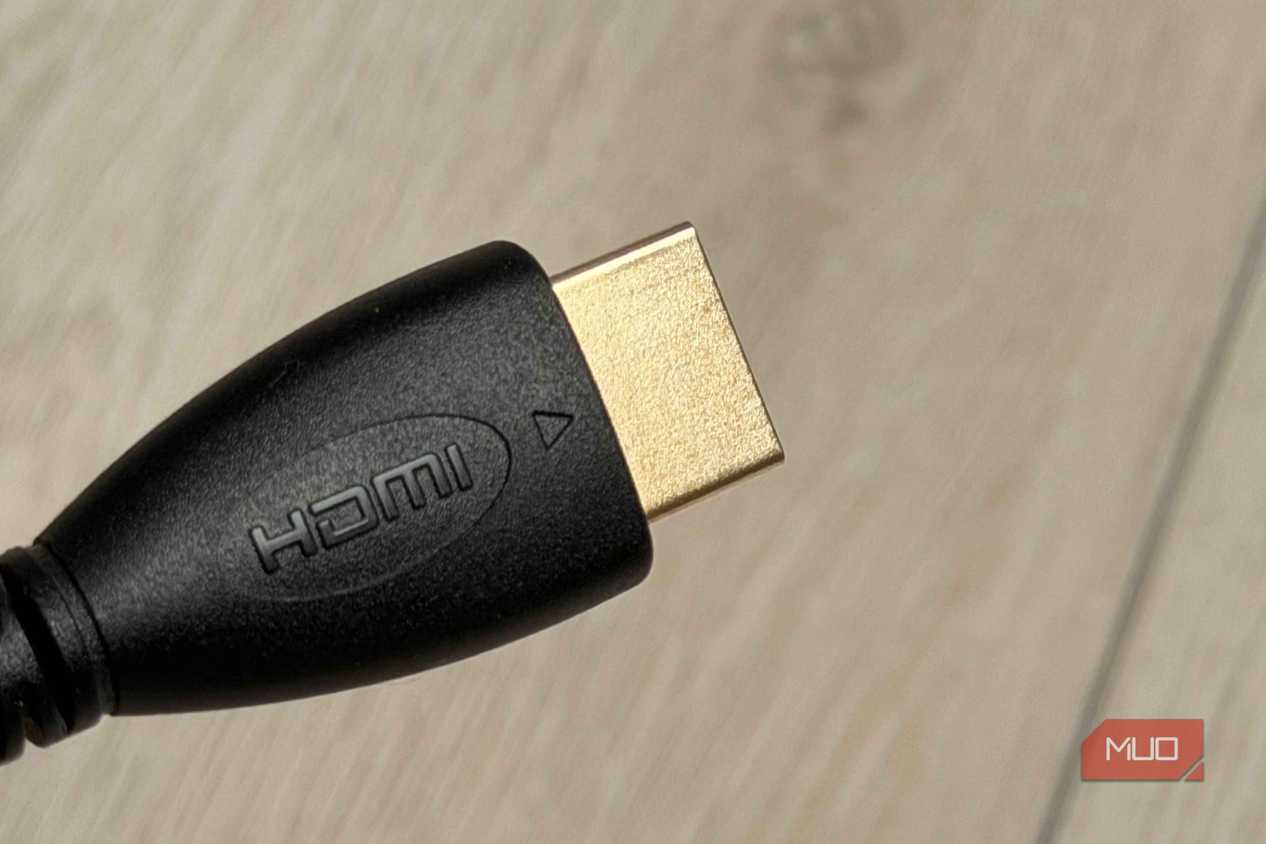
I went looking for an HDMI cable last week for my PS5, as I had misplaced the original one that came with the device, and ran into a label I hadn't seen before: Ultra96. The name is self-explanatory: 96 Gbps, the full bandwidth of the new HDMI 2.2 spec. But that's not what it really means.
Ultra96 is an umbrella label covering cables rated at 64, 80, and 96 Gbps, all under the same branding. The actual bandwidth tier is buried in packaging details, not the label printed on the cable. If you're buying based on what the name suggests, you're probably about to spend more than you need to, or get less than you expect. Given how confusing HDMI cable types already are, this new label only makes things worse.
What's HDMI 2.2, and what the Ultra96 label means for you
The new standard doubles bandwidth, but the cable branding doesn't make that clear

HDMI 2.2 is the latest version of the HDMI standard. It doubles maximum bandwidth from 48 Gbps (HDMI 2.1) to 96 Gbps by using an updated signaling mode called Fixed Rate Link 2, or FRL-2. That extra headroom is designed for extreme resolutions and refresh rates, much like 4K at 240 Hz with full color depth, 8K at 60 Hz without compression, and even 12K and 16K for future displays.
To take advantage of all that bandwidth, you need a new cable. Ultra96 is the certification label for cables that have passed the HDMI Forum's 96 Gbps compliance tests, similar to how "Ultra High Speed" identified HDMI 2.1 cables and "Premium" covered HDMI 2.0. Each cable length has to be tested separately at an authorized test center, and certified cables come with a QR code on the packaging that you can scan to verify the certification.
That part is clear. The bigger problem is what the name Ultra96 means across the broader HDMI 2.2 ecosystem, and how easy it is to misread what you're actually getting.
The Ultra96 label doesn't guarantee the bandwidth you'd expect
The same branding covers three very different performance tiers
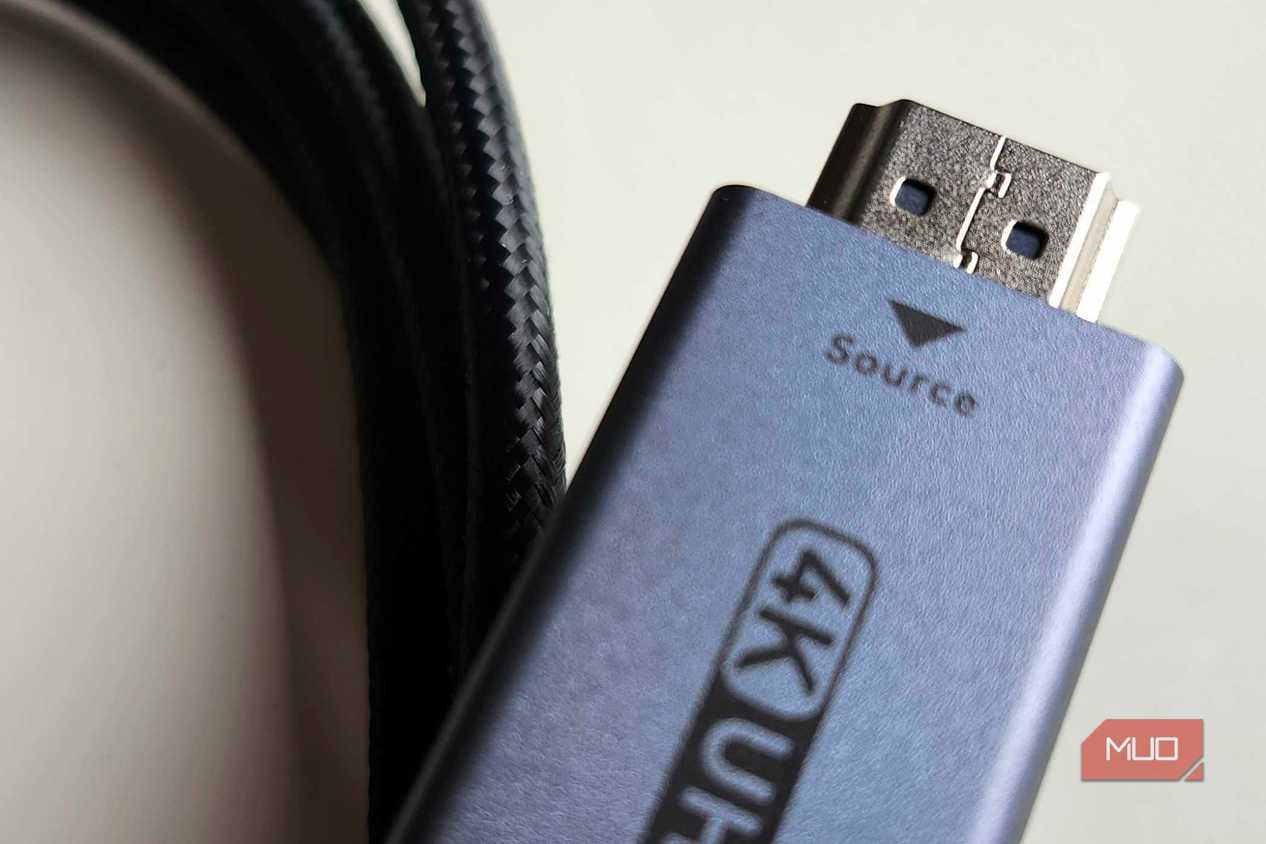
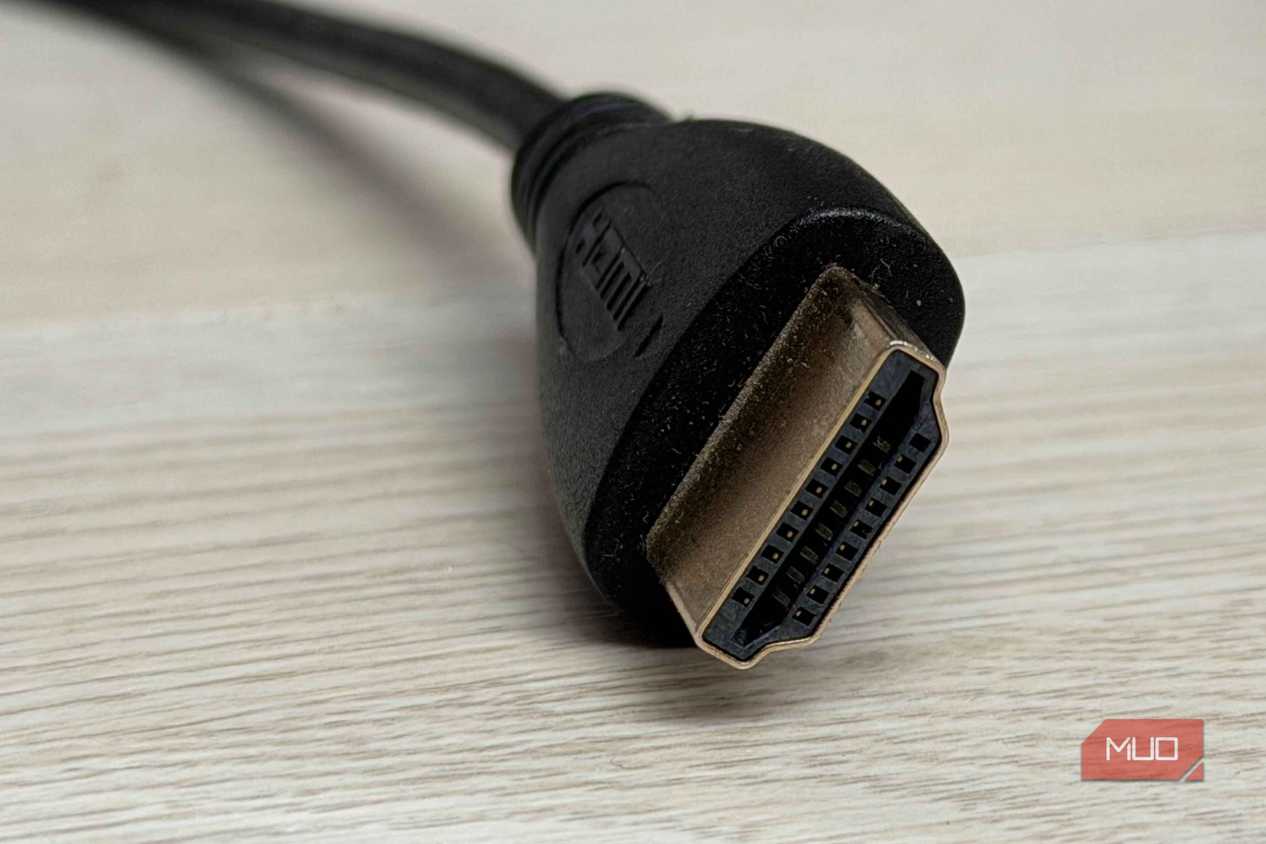
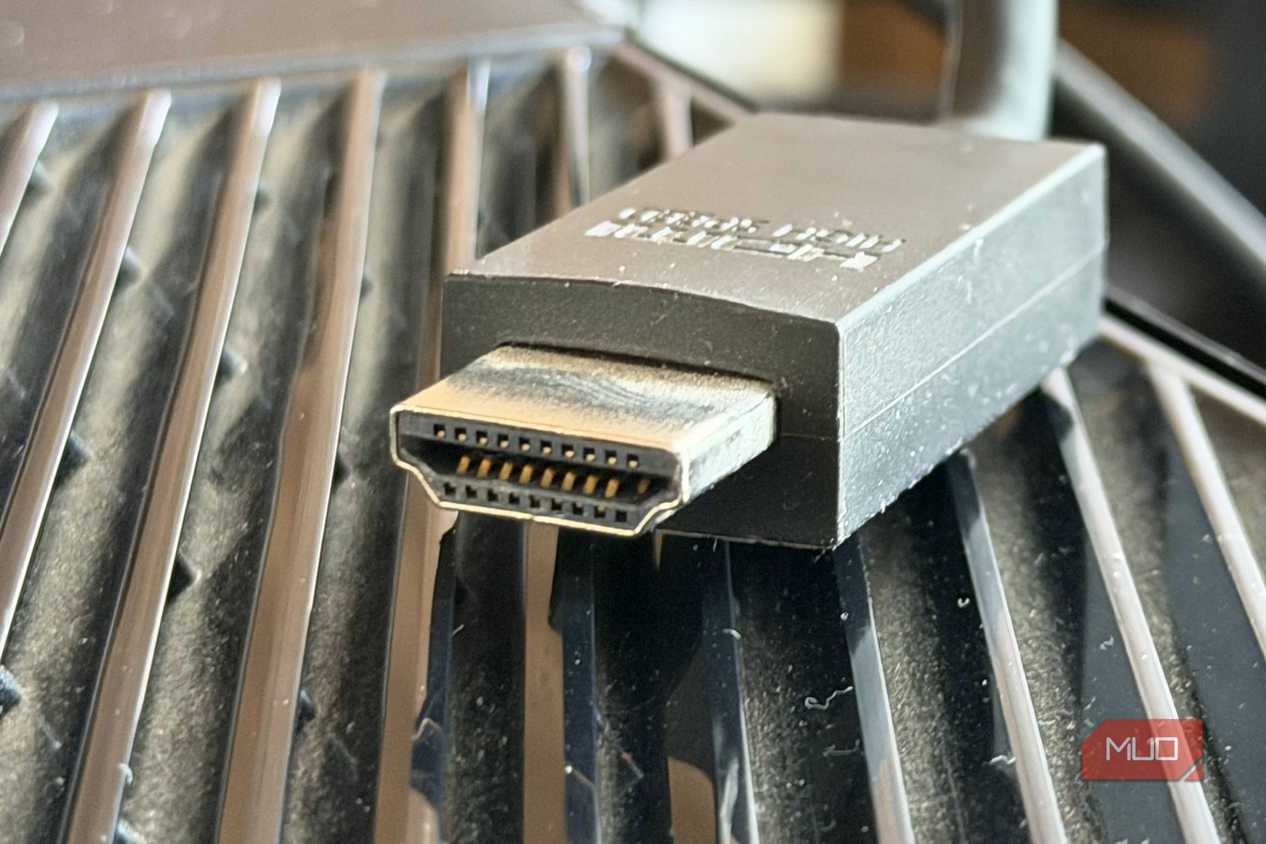
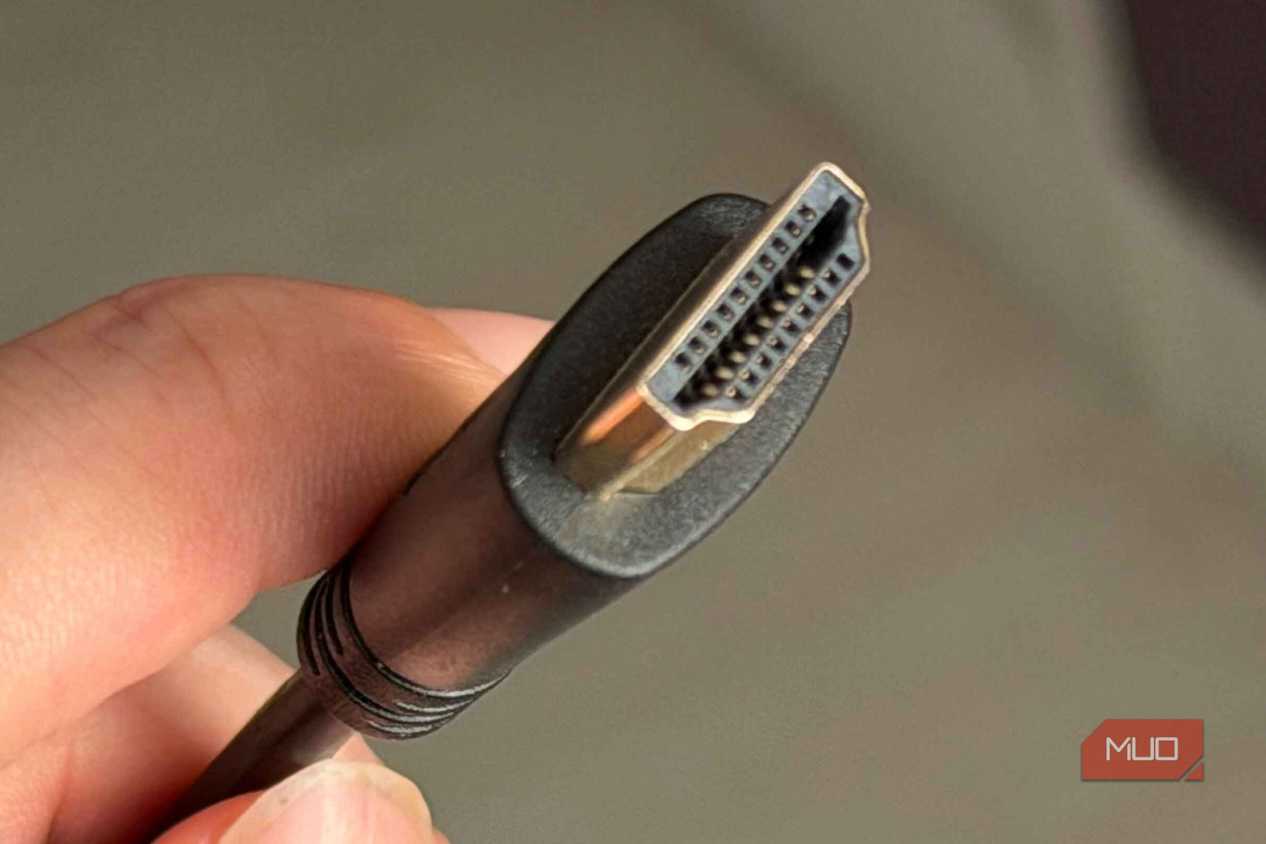


 Credit: Shaun Cichacki/MUO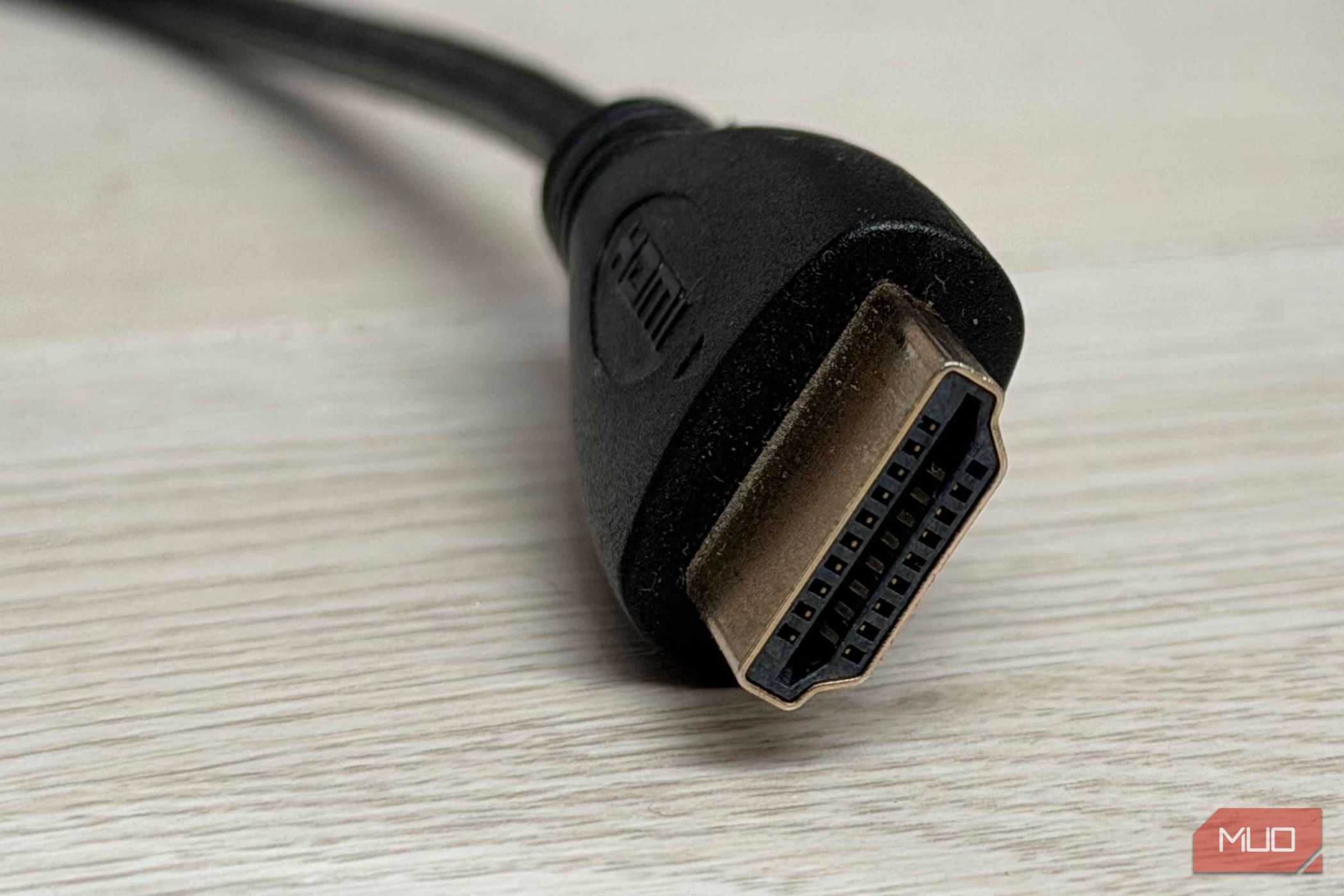
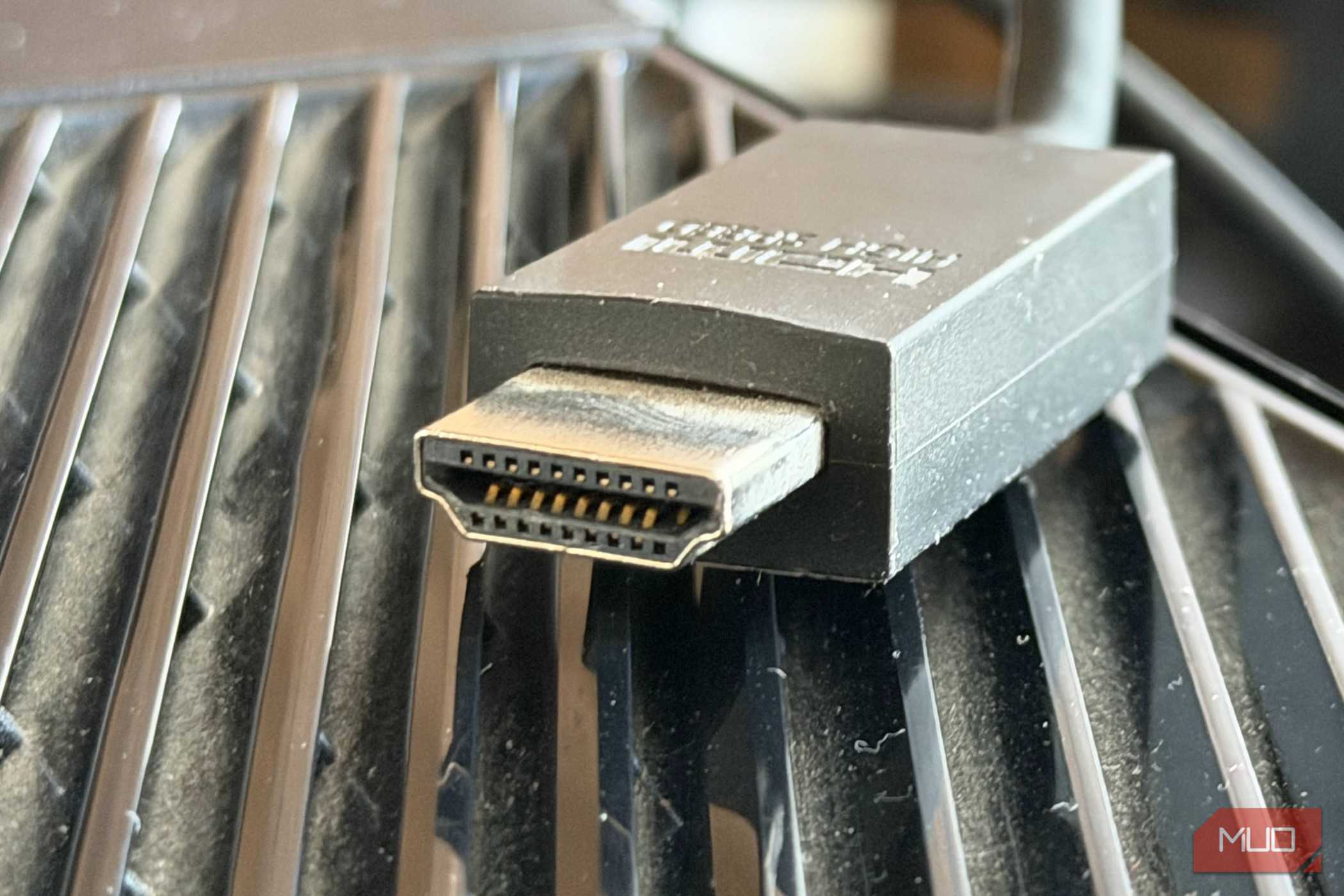
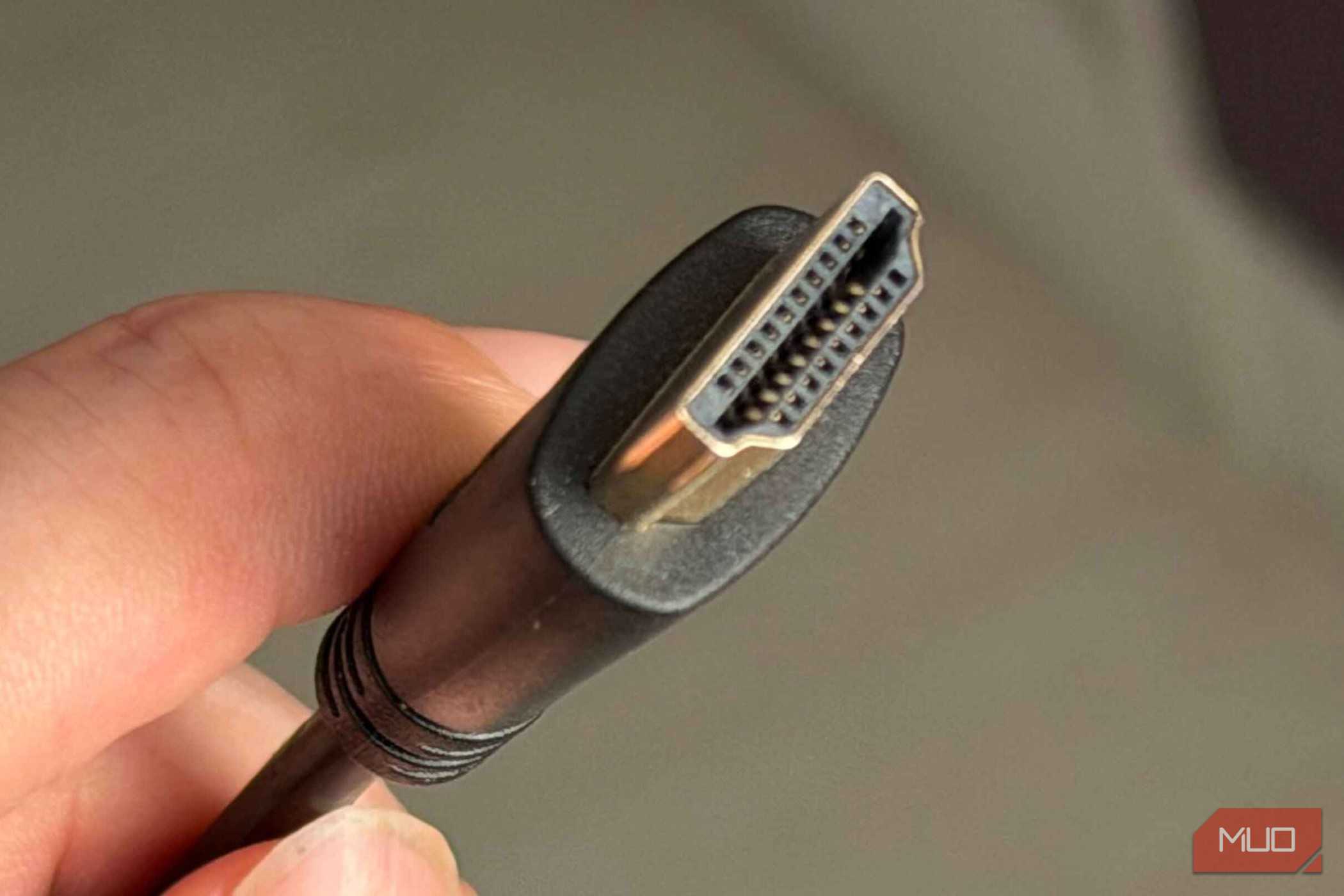
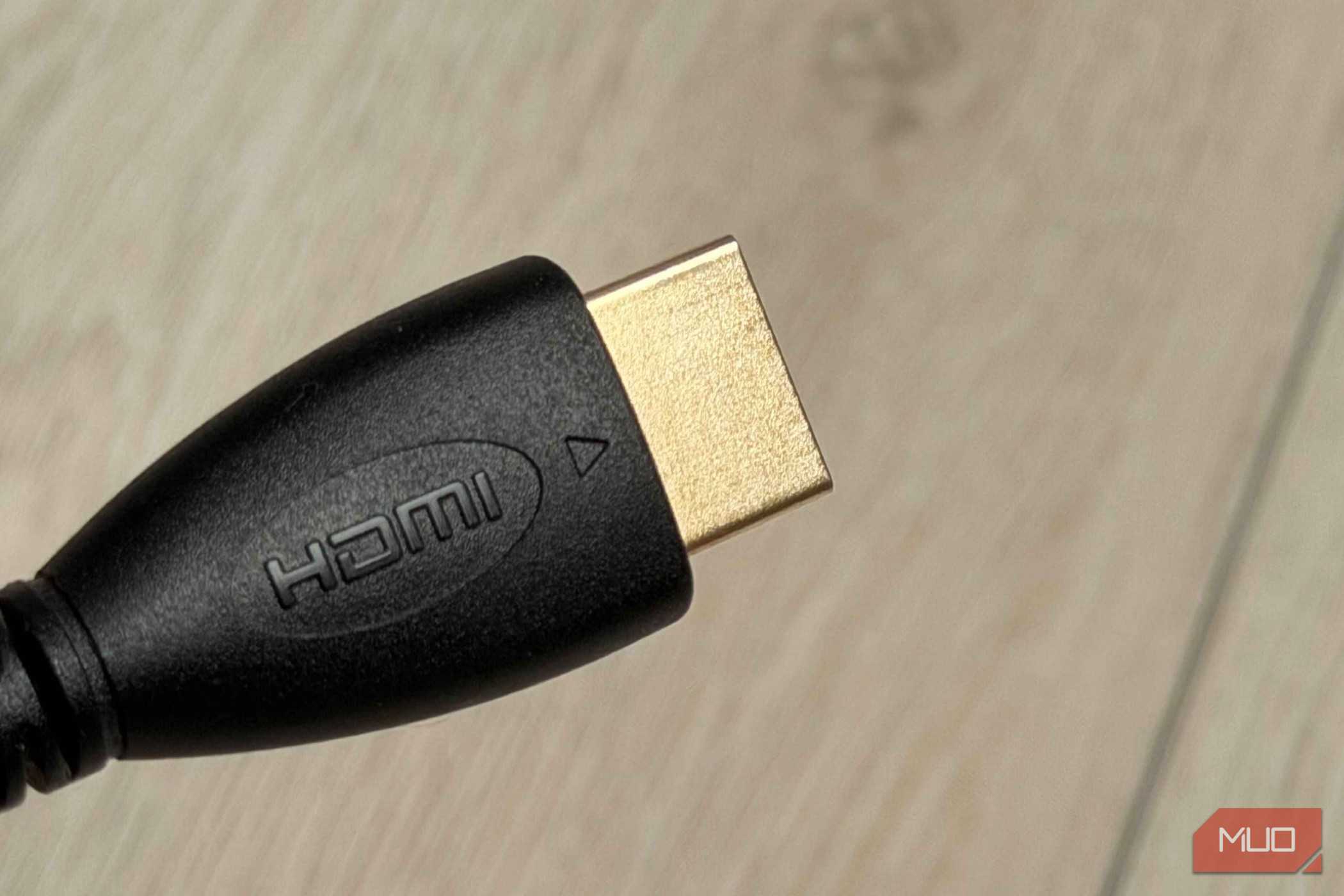



Ultra96 is also a feature name, not just a cable certification. Manufacturers can put it on products like TVs, receivers, and GPUs to indicate HDMI 2.2 support. But a device labeled Ultra96 doesn't have to support 96 Gbps. It could support 64 Gbps, 80 Gbps, or the full 96 Gbps, and the Ultra96 branding applies to all three.
That means a TV box that says "Ultra96" on the front might only be capable of 64 Gbps. You'd need to dig into the spec sheet or fine print to find out which tier it actually supports. The HDMI Forum chose one broad label for what is really three distinct bandwidth levels, and for most buyers, there's no easy way to tell them apart at a glance.
HDMI has been here before. The 2.1 rollout had the same problem, where manufacturers could claim HDMI 2.1 compliance without implementing the full feature set. Devices shipped with HDMI 2.1 on the box but only supported a fraction of the spec's features. Ultra96 repeats that pattern, a label that sounds like a clear number but is really just a badge saying "this product is somewhere in the HDMI 2.2 family."
The QR code on certified cable packaging helps verify the cable itself, and manufacturers are encouraged to print the cable type on the cable jacket so you can identify it behind your TV. But once you've tossed the box and mixed a few cables together in a drawer, there's no way to tell which one supports what. You're left guessing, and that guessing often leads to either overkill or underperformance without you realizing it.
Most people will overpay for bandwidth, no device at home can use
Current hardware can't even come close to what a 96 Gbps cable delivers

The biggest practical issue with Ultra96 is that it solves a problem most people don't have yet. HDMI 2.2's headline specs, 4K at 480 Hz, 8K at 240 Hz, and 16K at 60 Hz, are built for hardware that doesn't exist in most homes. Current consumer TVs top out around 4K at 120 Hz, and even that is more than what most gaming PCs and consoles can consistently push.
A 48 Gbps Ultra High Speed HDMI cable, the kind designed for HDMI 2.1, handles 4K at 120 Hz with HDR just fine. For the vast majority of setups right now, that's all you need. But retail packaging will push Ultra96 branding hard, and many buyers will reach for the most premium-sounding option without stopping to check whether their TV or GPU can actually use the extra bandwidth.
This happens with every new standard. People pay more for future-proofing that doesn't pay off for years, if ever. And because Ultra96 covers multiple tiers under one name, you can't even be sure you're getting the top-end cable without reading the fine print. You could spend more for a 96 Gbps cable when a 64 Gbps one would be identical in performance for your setup, or worse, buy what you think is a 96 Gbps cable and end up with one rated lower.

Zeskit Maya HDMI 2.2 Cable
- Length(s)
- 1m, 1.5m, 2m
- Materials/Construction
- CL3 in-wall rated cable with low-EMI construction
The Zeskit Maya HDMI 2.2 cable is one of the first 96Gbps cables on the market. If you want to enjoy HDMI 2.2's higher bandwidth early, this is how you can. However, you might want to wait for more established brands to release certified HDMI 2.2 cables.
A better label than before, but not a good one
Ultra96 is genuinely better than what came before with HDMI 2.1 cable labeling. A mandatory certification program with QR verification, retail audits, and the cable type printed on the jacket, all of it is a step in the right direction. Ideally, the label would be on the connector head so you could identify a cable while it's plugged in behind your TV, but having it on the jacket at all is more than we had before.
That said, a label only works if it tells you something specific, and Ultra96 doesn't. For most people shopping for an HDMI cable today, the right call is still to match the cable to what their devices can actually do. If your TV and console max out at 4K at 120 Hz, a certified Ultra High Speed HDMI 2.1 cable does the job. Save the Ultra96 purchase for when you own hardware that needs it, and when you do buy, check the packaging for the specific bandwidth tier instead of trusting the logo alone.