


For about a month, I was blaming my GPU for a problem it wasn't causing. While playing Baldur's Gate 3, I would experience 20 minutes of smooth sailing, followed by stuttering, then smooth sailing again. Looking through Afterburner, usage, temperatures, and VRAM looked normal. This made me start looking elsewhere.
The real trigger turned out to be Windows' virtual memory behavior, and it takes less than five minutes to see if it applies to you.
The GPU wasn't the problem
The clue that finally made me stop blaming my graphics card

I was almost convinced that my RTX 4070 was degrading. I only began to rethink this when Afterburner showed GPU usage sitting between 70 and 80%, temperatures under 70°C, and VRAM wasn't even getting close to the 12GB ceiling. On a struggling graphics card, during stuttering moments, I'd usually expect GPU usage to remain close to full utilization. This mismatch made me start looking elsewhere.
It was Resource Monitor that provided visibility into the pattern. During periods of stutter, there was a matching spike in disk activity on my drive, and out of 32GB, committed memory was approaching 30GB. There was almost no frame-rate counter movement during dips; what fell apart was the frame pacing. GPU-focused troubleshooting tends to skip this distinction, which is why I'd been trying to find the problem in the wrong component for weeks.
Virtual memory isn't a performance feature
It's a safety net that becomes visible when RAM runs short

This is the exact situation for which Windows' pagefile.sys file exists on your system drive. By moving data that isn't actively being used out of physical RAM and into the pagefile.sys, Windows frees up memory for the tasks that currently need it.
Committed memory is the number you should actually be looking for. It tells a different story from RAM usage and represents the total amount of memory the computer promises every running program. This allocation may be currently in RAM or pushed out to pagefile.sys. Windows relies more on the pagefile as committed memory approaches installed RAM. But each of those reads is much slower than physical RAM reads.
|
RAM |
Page file |
|
|---|---|---|
|
Speed |
Nanosecond access |
Storage-speed access (orders of magnitude slower than RAM) |
|
Role |
Holds active data |
Stores overflow data |
|
Location |
Memory modules |
System drive |
Understanding this design made it clear that under memory pressure, a system can produce the stutter I was experiencing, and the GPU may have nothing to do with it.
Is this even your problem?
Five minutes in Task Manager will tell you before you touch a setting

You should check if memory pressure is happening on your system before you change anything. Open Task Manager, navigate to Performance -> Memory, and perform the tasks that cause the stutter while you watch it. Your clue is if committed memory climbs toward the total RAM or sits a gigabyte or two from the ceiling.
In Resource Monitor, Hard Faults/sec under the Memory tab is another significant number. Hard faults occur when Windows has to retrieve data from storage because it isn't currently in physical RAM. You would normally see a handful of these from time to time, but it's an anomaly when the number is sustained or reaches hundreds per second.
If none of these show up in your numbers, then your issue probably has nothing to do with the pagefile, and you may need to be aware of these other problems:
- Shader compilation stutter is usually a one-time hitch when you enter a new area.
- If it's a VRAM exhaustion problem, you'll see texture pop-in while GPU utilization is near 99%.
- On the graph, you'll see the GPU clock speed drop and recover if it's a thermal throttling issue.
You should rule all these out because tuning the pagefile will not affect any of them.
The tweak that fixed my frame pacing
How a fixed page file reduced paging overhead


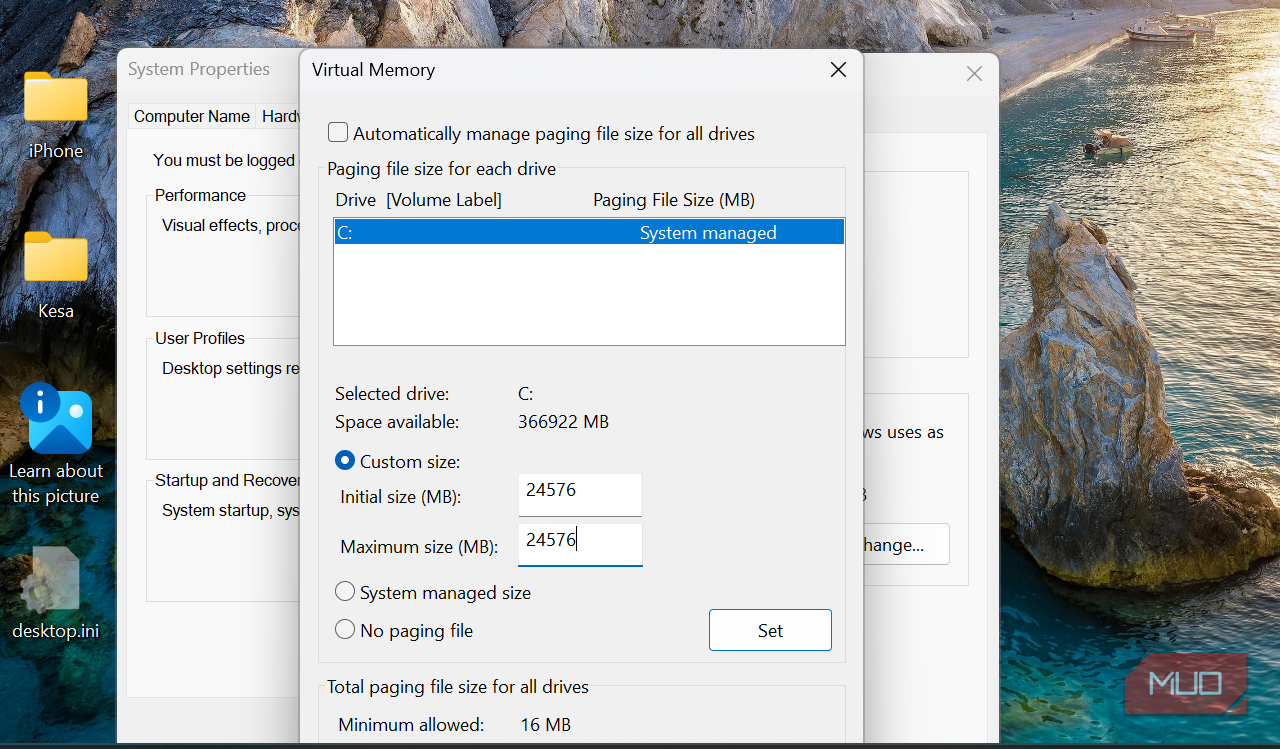
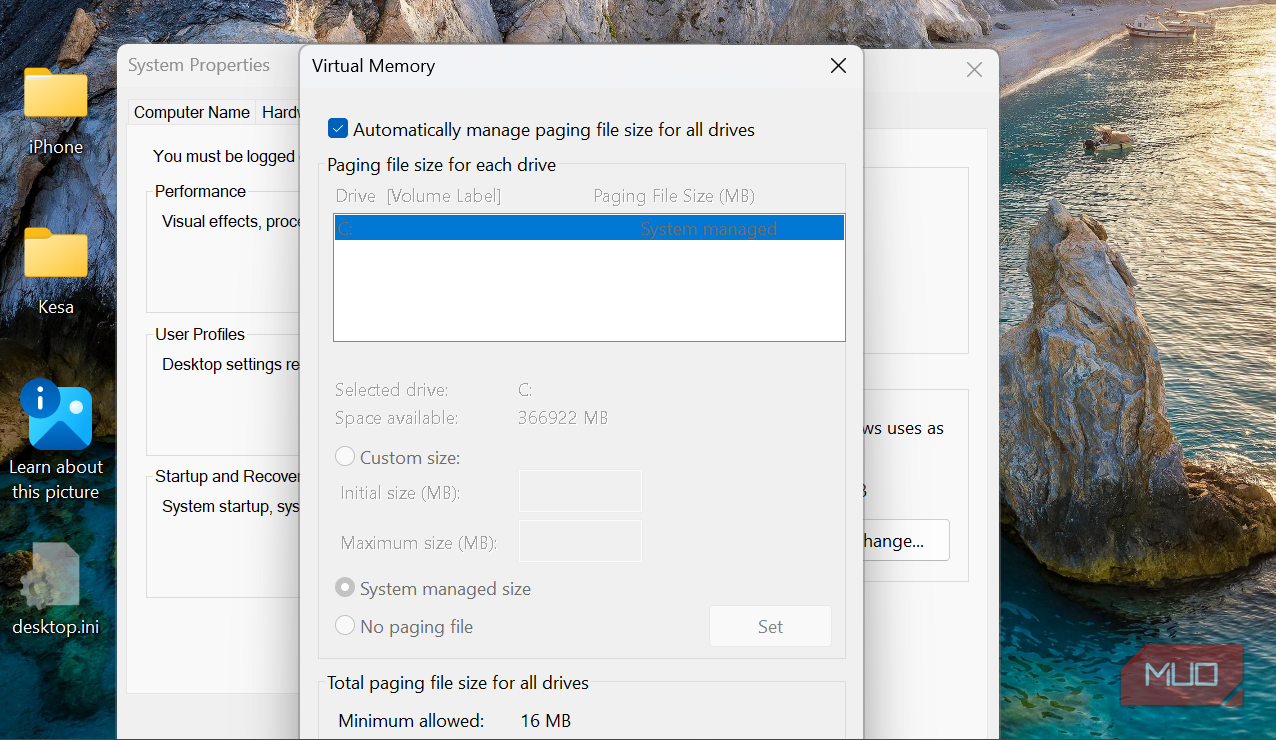
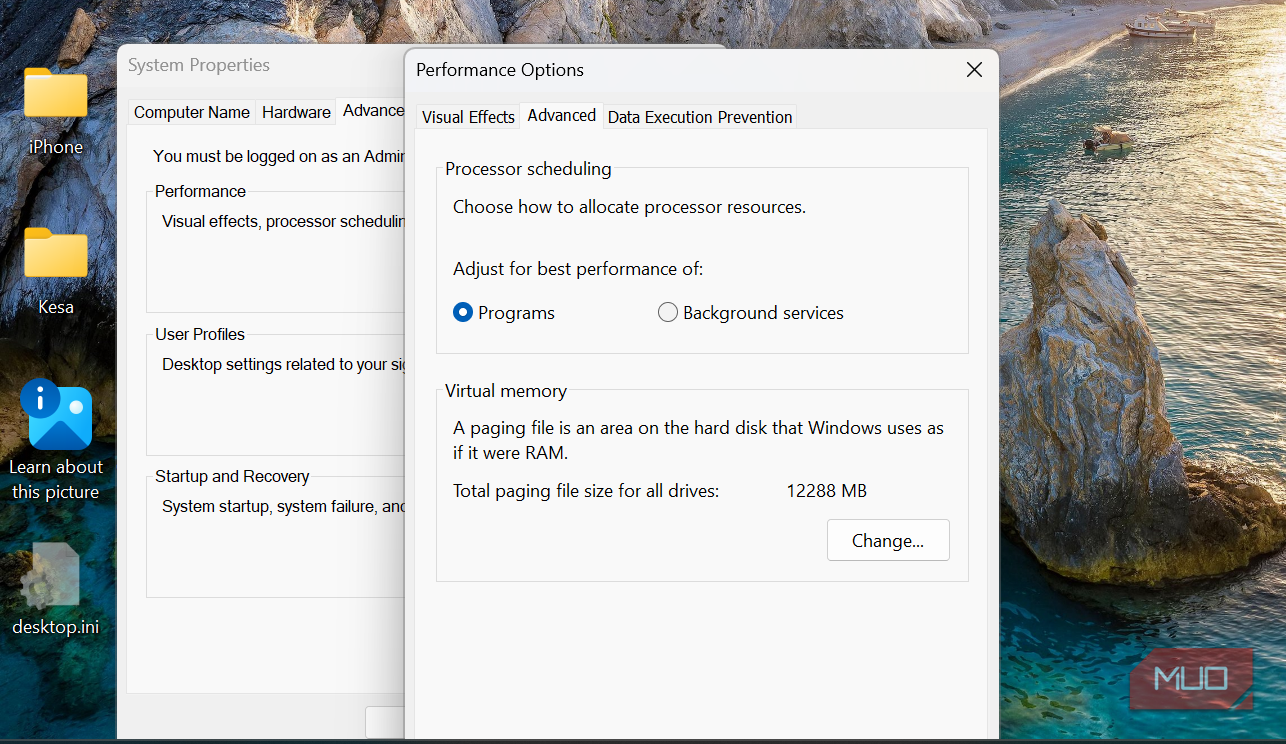
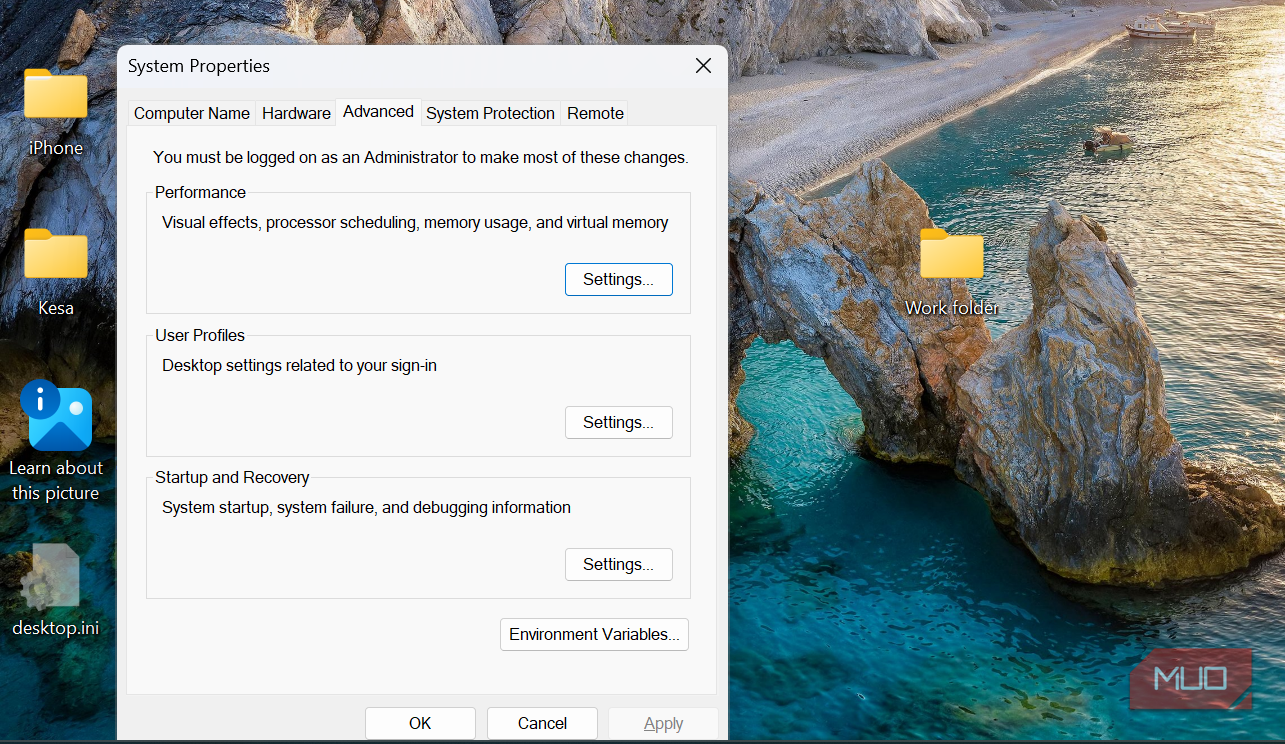
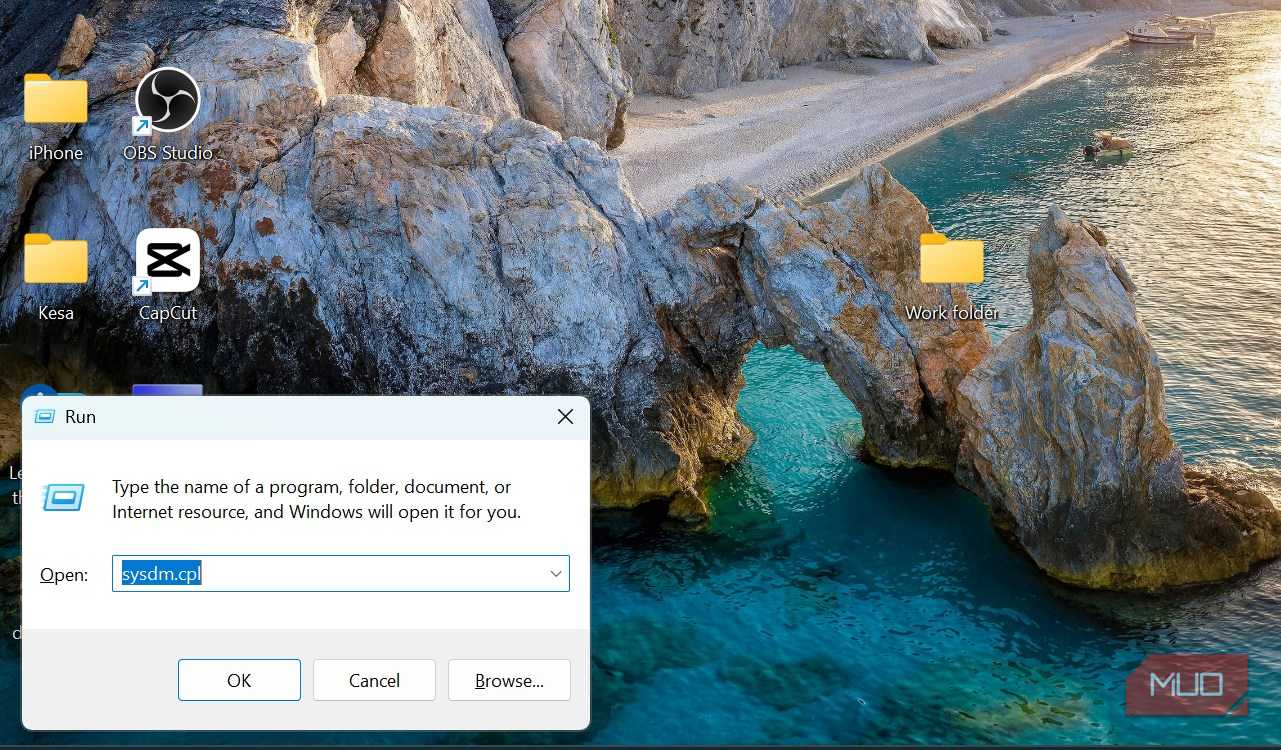
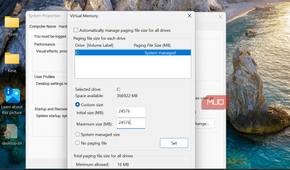
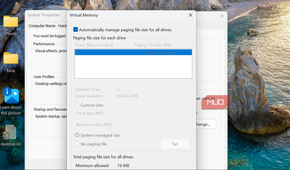
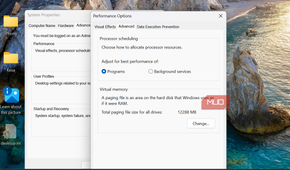
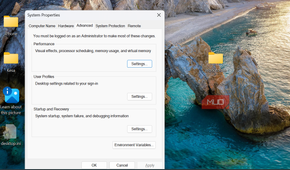
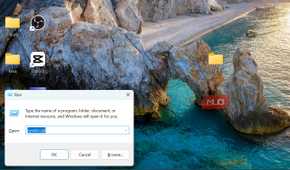
A system-managed pagefile is the default on Windows, and I kept it that way, even though for years, I'd read about setting a fixed value for it. I never had a reason good enough to justify changing this default. However, looking at the numbers in Resource Monitor changed everything.
Follow these steps to set a fixed page file:
- Press Windows + R, then type sysdm.cpl and hit Enter.
- In the System Properties window, click the Advanced tab.
- Click Settings in the Performance category.
- Navigate to the Advanced tab, then click Change under Virtual Memory.
- Uncheck Automatically manage paging file size for all devices.
- Select your system drive, then Custom size, and set both the Initial size and the Maximum size to the same value.
- Click OK, and restart the computer.
I set both sizes to 24,576MB (1.5× my RAM); Windows will show the value in GB.
Microsoft typically advises leaving the system-managed pagefile unless you have a workload that benefits from this change.
Realistic expectations after paging
This fix doesn't stop Windows from paging, and it also doesn't give you more RAM. One possible benefit is avoiding page file resizing during periods of sustained memory pressure.
It didn't eliminate stutters, but what seemed to be a recurring pattern every 20 minutes occurred far less often. The average frame rate didn't shift much either way, so that only makes sense since this wasn't a raw performance fix.
We're trained to look at the GPU first, so it gets a lot of blame, but this time my problem was something totally different.